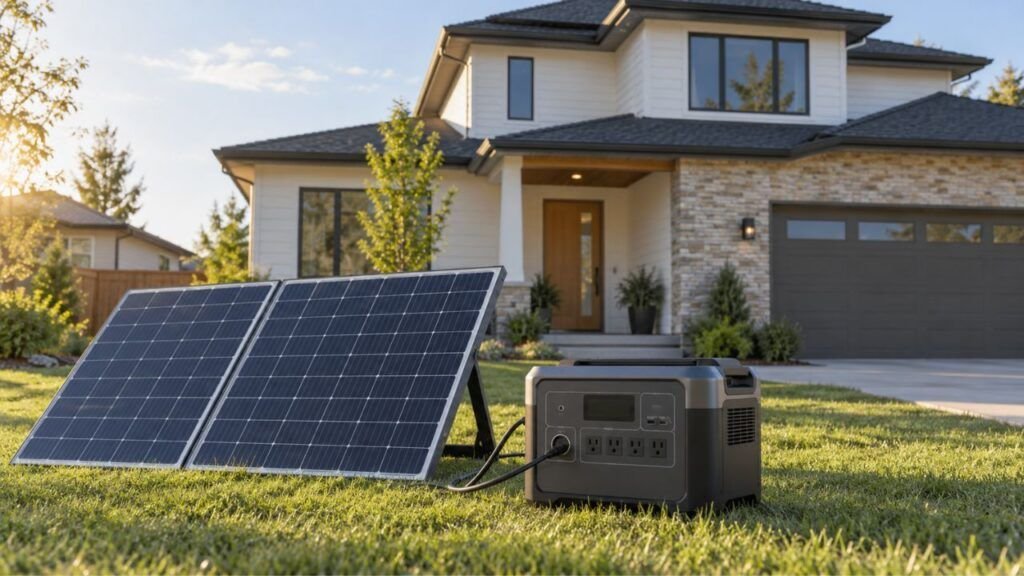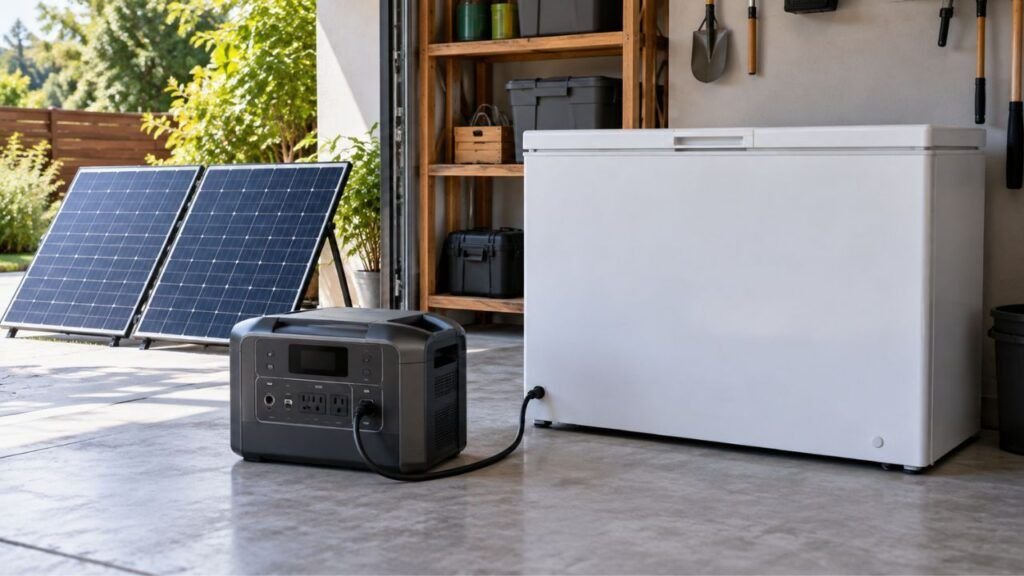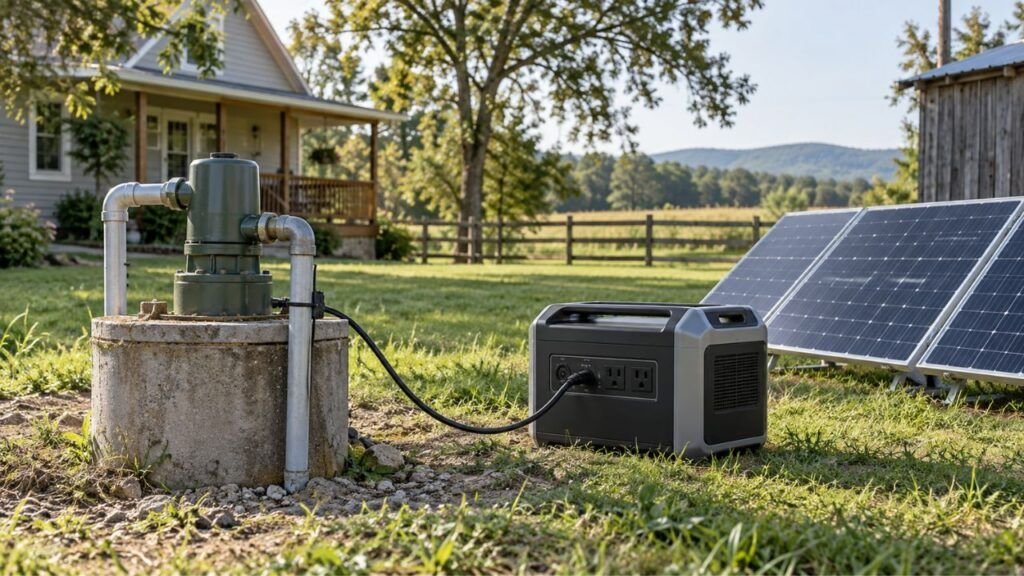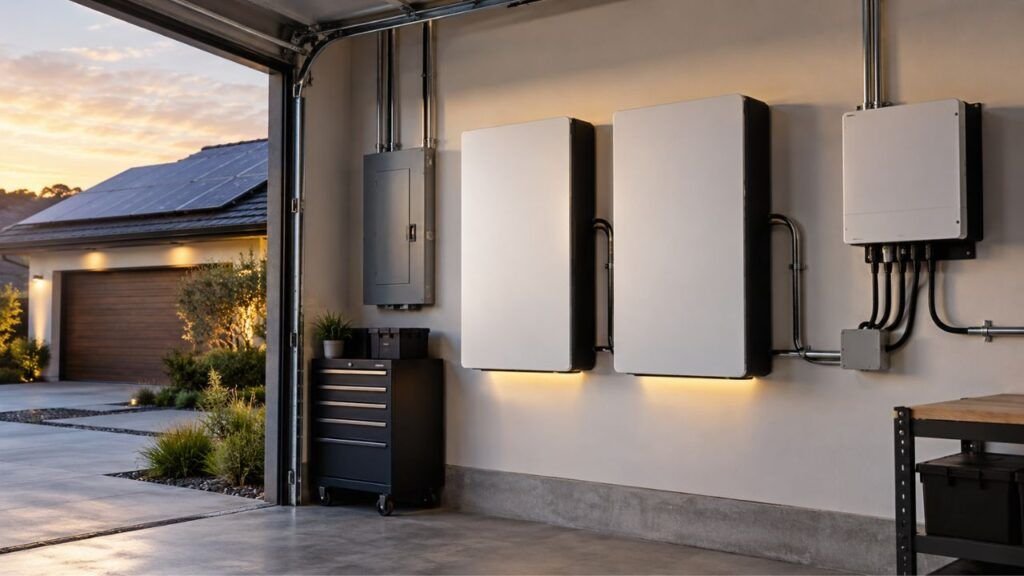
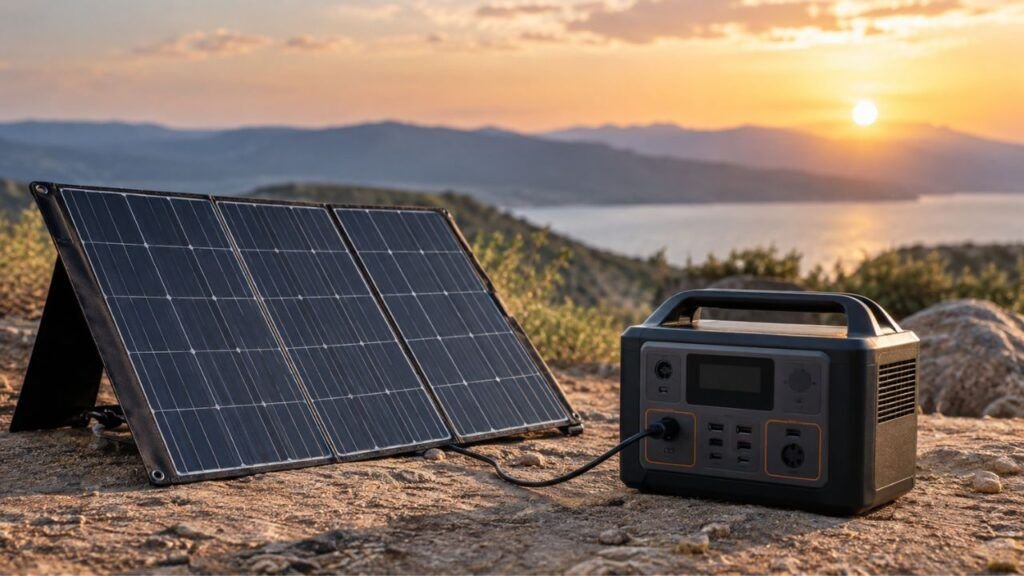
Your solar generator may not charge from solar panels because of weak sunlight, loose connections, incorrect panel voltage, reversed polarity, or temperature protection. An incompatible solar setup can also prevent the internal charge controller from accepting power.
The good news is that many solar charging problems are fixable. I’ll help you check the easiest causes first, then move toward voltage, wiring, temperature, and possible equipment faults.
Key Takeaways
- Check your generator’s solar input wattage before changing anything.
- Test the panels in strong, direct, unshaded sunlight.
- Make sure every solar cable and adapter is fully connected.
- Confirm the panel voltage fits your generator’s solar input range.
- Check polarity carefully when using third-party cables or adapters.
- Multiple panels must stay within voltage and current limits.
- Cold or hot battery temperatures can temporarily stop charging.
- Good solar input does not always mean battery percentage increases.
- AC charging can help identify whether the solar side is faulty.
- Stop troubleshooting if connectors overheat, melt, spark, or smell burned.
What Does Your Solar Generator’s Input Display Show?
Your generator’s display can quickly narrow down the problem. Before unplugging everything, look at the solar input watts and charging status.
| What You See | Likely Cause | What to Check First |
| 0W solar input | Connection, voltage, polarity, panel, or port problem | Sunlight and cables |
| Very low solar input | Shade, poor angle, clouds, dirt, or cable loss | Panel placement |
| Input starts and stops | Loose cable, shade, borderline voltage, protection mode | Connections and warnings |
| Good input but battery barely rises | Connected appliances are using incoming power | Disconnect loads |
| Works only around midday | Solar output is too weak earlier or later | Panel angle and voltage |
| AC charging works but solar does not | Problem is probably on the solar side | Panel, cable, adapter, input |
| Neither AC nor solar works | Battery, BMS, charging system, or internal fault | Error messages and support |
The exact numbers depend on your equipment. However, these symptoms give you a useful starting point.
How to Fix a Solar Generator That Is Not Charging From Solar Panels
Start with the easiest checks before assuming anything has failed. In many cases, the problem comes from sunlight, connections, or compatibility.
1. Make Sure the Battery Actually Needs Charging
First, check the battery percentage on your solar generator.
If the battery is already nearly full, charging may slow significantly. Some units may accept only a small amount of solar power near full charge.
This is normal battery management behavior.
For example, a generator sitting at 99% may show little input. That does not necessarily mean your panels stopped working.
Try using some battery power before testing again.
If solar charging returns after the battery drops, your system may be working normally.
2. Test the Panels in Strong, Direct Sunlight
Sunlight should be your next check.
Solar panels can produce electricity under cloudy conditions. However, their output may fall far below their rated wattage.
That matters because your generator needs enough voltage and power before solar charging begins.
Place your panels in open, direct sunlight.
Watch for shadows from:
- Trees
- Buildings
- Roof vents
- RV antennas
- Vehicles
- Railings
- Utility poles
- Nearby equipment
Even a small shadow can reduce output significantly.
Portable folding panels are especially sensitive to poor placement. One section may receive full sun while another sits partly shaded.
Point the panel surface toward the sun as directly as possible.
You can also reposition portable panels during the day. The ideal angle changes as the sun moves.
Check the panel surface for dirt as well.
Dust, pollen, leaves, snow, and bird droppings reduce available sunlight. A gentle cleaning may improve output immediately.
Avoid testing solar panels behind a window.
Glass can reduce usable solar energy considerably. Test outdoors whenever practical.
3. Check Every Solar Cable and Connector
A loose connector can stop solar charging completely.
Disconnect the solar setup and inspect each connection carefully.
Check:
- The cable coming from the panel
- MC4 connections
- Extension cables
- Adapter cables
- DC connectors
- The generator’s solar input plug
- Any series or parallel branch connectors
Reconnect everything firmly.
Some plugs can look connected without being fully seated.
Also inspect cables for visible damage.
Look for:
- Cuts
- Crushed sections
- Bent pins
- Broken housings
- Loose terminals
- Discoloration
- Corrosion
- Moisture
- Melted plastic
Pay close attention to adapters.
Third-party adapters are common with portable power stations. A bad adapter can create an open circuit even when the panel works correctly.
If a connector feels unusually loose, stop relying on it.
A poor electrical connection can create resistance and heat.
4. Make Sure You Are Using the Correct Solar Input
This sounds obvious, but it causes more confusion than expected.
Portable power stations often have several DC connections.
Some are inputs. Others are outputs.
Your solar panel must connect to the approved solar or DC charging input.
Some generators use one shared input for:
- Solar charging
- Vehicle charging
- DC charging
Others use separate ports.
Check the labeling around the input carefully.
Your generator may also have an app setting controlling the input source.
For example, some models let you choose between solar charging and vehicle charging behavior.
If your generator does not recognize the panels, check its menu or app.
Look for settings related to:
- Solar input
- DC input
- PV input
- Charging source
- Input limits
Do not change unfamiliar advanced settings randomly.
Use the manufacturer’s recommended setting for your panel setup.
5. Check the Solar Panel Voltage Against the Generator’s Input Range
Voltage compatibility is one of the most important checks.
Every solar generator has a permitted solar input voltage range.
You may see something similar to:
Solar input: 11V to 60V DC
Your numbers will vary by model.
Now look at the specifications for your solar panel.
Two important values are:
- Voc: Open-circuit voltage
- Vmp: Voltage while producing useful power
Your panel must operate within the generator’s supported solar range.
If the voltage is too low, the charge controller may never start.
If the voltage is too high, the generator may reject the input.
Excessive voltage can also damage equipment in some situations.
Never intentionally exceed the generator’s maximum solar input voltage.
Do not assume wattage tells you everything.
A 200W panel and another 200W panel can have very different voltages.
That is why you should check the actual electrical specifications.
6. Verify the Connector Polarity
Solar panels produce DC electricity.
That means positive and negative polarity matters.
Normally:
- Positive connects to positive.
- Negative connects to negative.
Problems sometimes appear when mixing panels and third-party adapters.
A connector may physically fit while having incorrect polarity.
If positive and negative are reversed, the generator may refuse charging.
Its protection system may block the connection completely.
Never guess at polarity when building custom cables.
Check the panel, cable, adapter, and generator specifications.
If you cannot verify the wiring safely, replace the questionable adapter.
That is much safer than experimenting with exposed conductors.
7. Check Series or Parallel Wiring With Multiple Panels
Using multiple solar panels adds another possible problem.
How you connect them changes voltage and current.
With panels connected in series, their voltages add together.
Their current stays roughly similar.
For example, imagine each panel has a 24V Voc rating.
Two connected in series may approach 48V.
Three could approach 72V.
That third panel could push some generators beyond their input limit.
With panels connected in parallel, voltage stays roughly similar.
However, available current increases.
That means you must also respect the generator’s current limits.
Always calculate the entire array before connecting multiple panels.
Check:
- Total Voc
- Operating voltage
- Maximum current
- Total array wattage
- Manufacturer-approved configurations
If your system stopped charging after adding another panel, disconnect it.
Return to the last known working configuration.
Then verify your electrical limits before reconnecting anything.
8. Check for Temperature Protection
Temperature can stop charging even when the panels work perfectly.
Lithium batteries use a Battery Management System, commonly called a BMS.
The BMS protects the battery from unsafe operating conditions.
Many LiFePO4 batteries restrict charging near or below freezing.
However, the exact cutoff varies between manufacturers.
Some models also include battery heating systems.
Do not assume every generator uses exactly the same temperature limit.
Check your generator’s charging temperature specification.
High temperatures can create similar problems.
If the power station becomes too hot, it may reduce charging power.
It may also stop charging until internal temperatures fall.
Here is an important distinction:
Your solar panels need sunlight.
Your power station usually does not need direct sunlight.
When possible, keep the generator shaded and ventilated.
Let only the panels sit in strong sunlight.
Never cover ventilation openings to keep sunlight away.
9. Check Error Codes, Warnings, and App Settings
Modern solar generators usually tell you something when charging fails.
Look at the display for warning symbols.
You may see messages related to:
- PV overvoltage
- Low input voltage
- High temperature
- Low temperature
- Battery protection
- Input overload
- Charging disabled
- BMS protection
- Internal system errors
Some information may only appear inside the companion app.
Check there if your generator supports one.
An error code gives you a much better troubleshooting direction.
For example, an overvoltage warning points toward panel configuration.
A temperature warning points somewhere completely different.
Do not ignore recurring warnings.
If the same error immediately returns, investigate its actual cause.
10. Restart the Generator Properly
Sometimes the charging electronics simply need a restart.
Disconnect the solar panels first.
Disconnect major connected appliances as well.
Then restart the generator using its normal manufacturer-approved procedure.
Some power stations also have a deeper reset procedure.
However, reset methods vary greatly between models.
Do not randomly hold buttons or disconnect internal batteries.
Use the instructions designed for your specific unit.
After restarting, reconnect one compatible solar panel.
This simplifies the system and makes troubleshooting easier.
How Do I Know Whether My Solar Panel Is Compatible With My Solar Generator?
Solar compatibility involves more than matching connector shapes. Voltage, current, wattage, and charging-controller limits all matter.
Check the Minimum and Maximum Solar Input Voltage
Find your generator’s solar input specifications.
You are looking for an allowed DC voltage range.
You might see something like:
PV input: 15V to 50V
Now compare this with your panel.
Look at both Voc and Vmp.
The panel’s working voltage must reach the generator’s required range.
At the same time, total open-circuit voltage must remain safe.
This becomes especially important with panels wired in series.
Voltage adds quickly when multiple panels are connected.
Always leave appropriate margin instead of sitting exactly at the maximum.
Check the Maximum Input Current
Your generator also has a maximum solar input current.
This is usually measured in amps.
Parallel connections can increase available current significantly.
For example, two identical panels in parallel may provide roughly twice the current.
The generator’s charge controller determines how much it can accept.
Follow the manufacturer’s permitted panel configurations.
Do not assume more current automatically means faster charging.
The generator can only use what its charging system supports.
Check the Solar Input Wattage
Solar generators also advertise maximum solar charging wattage.
For example, your unit may accept up to 500W of solar power.
That does not always mean a 550W panel instantly becomes unusable.
Some manufacturers allow a certain amount of panel oversizing.
The generator simply limits how much power it accepts.
Other manufacturers specify stricter array limits.
Because designs vary, use the limits published for your unit.
Do not use panel wattage as your only compatibility check.
Voltage is especially important.
Check the Connector and Adapter
Finally, make sure the connection system actually matches.
Common solar connections include:
- MC4
- XT-style connectors
- Anderson-style connectors
- DC barrel connectors
- Proprietary manufacturer adapters
A connector must be electrically compatible, not merely physically compatible.
Correct polarity matters as well.
When possible, use adapters specifically approved for your generator.
Can Cold Weather Make Compatible Solar Panels Stop Charging?
Cold weather can affect both the battery and solar-panel voltage. These two effects often get confused during winter troubleshooting.
Cold Battery Protection Can Stop Charging
LiFePO4 batteries generally do not like charging while extremely cold.
Your generator’s BMS may temporarily block charging.
The solar panels could still be producing electricity normally.
However, the battery may refuse to accept that energy.
Check the generator’s internal temperature warning.
Move the power station into an approved warmer environment.
Allow the battery to warm naturally before charging again.
Do not place the unit beside open flames or direct heaters.
Some generators have self-heating batteries.
If yours does, follow the manufacturer’s cold-weather procedure.
Solar Panel Voltage Can Rise in Cold Weather
Here is another winter issue many owners overlook.
Solar-panel voltage can rise when panel temperature drops.
The panel’s Voc rating is normally measured under standard conditions.
Real outdoor conditions can be colder.
That means an array operating near the generator’s voltage limit may exceed it.
This matters most with several panels connected in series.
Suppose your generator accepts up to 60V.
Your panel array may appear safely below that during warmer conditions.
A very cold morning can push open-circuit voltage higher.
That is why solar-system designers consider temperature when calculating maximum Voc.
If your panel array sits near the generator’s limit, be cautious.
Use a configuration that remains safely inside specifications year-round.
Why Does My Generator Show Solar Watts but the Battery Is Not Charging?
Seeing solar input does not always mean that energy reaches the battery. Your connected devices may be consuming most of the incoming electricity.
Common reasons include:
- Appliances are using nearly all available solar power.
- The battery is almost full and charging has slowed.
- Cloud cover keeps reducing solar production.
- The inverter and internal electronics consume some energy.
- Solar production only slightly exceeds your current electrical load.
Imagine the panels are producing 250W.
Your refrigerator and other devices are using 230W.
Only around 20W remains available for charging, before other losses.
Your battery percentage may barely move.
Try disconnecting large loads temporarily.
Watch the display for several minutes.
If battery charging increases, your solar system may be working properly.
You simply have limited surplus power available.
Why Does Solar Charging Start and Stop Repeatedly?
Intermittent solar charging usually means something keeps crossing a charging threshold. Sunlight, voltage, temperature, or a poor connection may be changing constantly.
Possible causes include:
- Passing clouds
- Moving tree shadows
- Loose connectors
- Damaged cables
- A weak adapter
- Solar voltage near the minimum charging requirement
- Excessive input voltage
- Battery temperature protection
- Power station overheating
- Intermittent panel faults
- Incorrect input settings
Watch the input display while gently inspecting the setup.
Do not wiggle exposed or damaged electrical connections.
If input drops every time a safe connector moves, replace that connection.
If charging stops during clouds and returns in strong sun, low solar output is more likely.
Can a Long Solar Extension Cable Cause Charging Problems?
Yes, a long solar cable can reduce charging performance.
Every electrical cable has resistance.
Longer wires generally create more voltage loss.
Undersized cables make the problem worse.
A small amount of loss may not matter with a strong solar setup.
However, it can matter when panel voltage is already borderline.
Your generator may receive too little usable voltage to keep charging.
Long cables can also reduce how much power reaches the generator.
Use properly sized solar cable whenever possible.
Avoid unnecessarily long extension runs.
Also avoid stacking several adapters together.
Every additional connection becomes another possible failure point.
Check extension cable connectors for heat after normal operation.
A connector becoming excessively hot needs immediate attention.
How to Tell Whether the Panel or Solar Generator Is Faulty
You can often isolate the problem without replacing parts randomly. Test one part of the charging path at a time.
- Try AC charging first. Plug the generator into a normal wall charging source. If AC charging works, the battery can still accept power.
- Return to one solar panel. Disconnect complex series or parallel configurations. Use one known-compatible panel.
- Try another compatible solar cable. Cables and adapters fail more often than many people expect.
- Try another compatible solar panel. If another panel works, your original panel becomes the main suspect.
- Check the original panel elsewhere. Test it with another compatible device if you can do so safely.
- Review voltage and error readings. These can show whether the generator detects incoming solar energy.
- Compare AC and solar behavior. AC working normally while every solar setup fails points toward the PV input side.
If several known-good panels and cables fail, contact the manufacturer.
The generator’s solar input circuitry may require professional service.
How to Test a Solar Panel With a Multimeter
A multimeter can help confirm whether a solar panel produces voltage. However, solar DC electricity deserves proper caution.
Check the Panel’s Rated Voc First
Before measuring anything, find the panel’s electrical label.
Look for Voc, meaning open-circuit voltage.
For example, a panel may list a Voc around 24V.
That gives you something to compare against your measurement.
Remember that actual voltage changes with sunlight and temperature.
Your reading does not need to match the label perfectly.
Measure Open-Circuit Voltage Only When It Is Safe
Set a suitable multimeter to measure DC voltage.
Only test equipment you are comfortable handling safely.
A basic portable panel can be relatively straightforward.
A large series-connected solar array is very different.
Higher DC voltage creates serious shock and arcing hazards.
Do not probe exposed high-voltage PV wiring without proper training.
For a small portable panel, compare measured voltage with its specifications.
A near-zero reading in strong sunlight can indicate a problem.
Possible causes include:
- Failed panel
- Broken cable
- Damaged junction box
- Bad connector
- Internal wiring fault
Do not short the solar panel leads together.
Also avoid measuring current unless you understand the correct procedure.
Incorrect current testing can damage your meter or create a hazardous short.
What Do the Test Results Mean?
If panel voltage looks normal but the generator shows 0W, look downstream.
The problem may involve:
- Cable
- Adapter
- Polarity
- Input port
- Generator settings
- MPPT controller
If panel voltage is near zero in strong sunlight, investigate the panel side.
If voltage exceeds the generator’s limit, disconnect the array.
Change the panel configuration before reconnecting it.
When Should You Stop Troubleshooting?
Some problems should not be treated as simple DIY fixes. Stop using the solar connection when there are signs of electrical damage.
Stop and seek professional or manufacturer assistance if you notice:
- Melted connectors
- Burned plastic
- Electrical burning smells
- Sparking
- Smoke
- Severely hot connectors
- Damaged input pins
- Water inside the generator
- Water trapped inside connectors
- Repeated overvoltage warnings
- Persistent BMS faults
- Solar and AC charging both failing
- Visible battery swelling
- High-voltage PV wiring you cannot safely test
Do not keep reconnecting equipment after overheating or melting occurs.
Repeated testing can make the damage worse.
Disconnect the equipment safely and have it inspected.
How to Prevent Solar Charging Problems
A few habits can prevent many frustrating solar charging failures.
- Check panel compatibility before connecting new equipment.
- Stay comfortably below the maximum solar input voltage.
- Calculate total Voc before wiring panels in series.
- Confirm current limits before using parallel connections.
- Inspect connectors before camping trips or storm season.
- Keep solar panels clean.
- Protect plugs from dirt and moisture.
- Keep the power station properly ventilated.
- Avoid leaving the generator baking in direct sunlight.
- Use appropriately sized extension cables.
- Avoid unnecessary adapter chains.
- Test your backup setup before an emergency.
- Check solar charging periodically during long storage.
- Review firmware updates when recommended by the manufacturer.
For home emergency backup, testing beforehand is especially important.
You do not want to discover a bad adapter during an outage.
Final Verdict
If your solar generator is not charging from solar panels, start simple. Check the display, sunlight, panel placement, cables, and connections before blaming the generator.
If those checks pass, move on to voltage, polarity, series or parallel wiring, temperature protection, and input settings. Remember that panel wattage alone does not determine compatibility.
A useful troubleshooting order is:
Display → sunlight → connections → voltage → temperature → settings → isolation testing.
Following that order prevents unnecessary part replacements.
It also helps you find the real problem much faster.
Related FAQs
Why Is My Solar Generator Showing 0 Watts From the Solar Panel?
A 0W reading usually means the generator is not receiving usable solar power. Check sunlight, cables, connectors, panel voltage, polarity, and the selected charging input.
Why Is My Solar Generator Not Charging in Full Sun?
Strong sunlight does not guarantee charging if panel voltage is incompatible. Loose connections, reversed polarity, temperature protection, or a faulty input can also stop charging.
Can a Solar Generator Charge on a Cloudy Day?
Yes, solar generators can charge during cloudy weather. However, panel output may fall substantially, making charging much slower or preventing some generators from reaching their minimum input requirements.
Can I Use Any Solar Panel With a Solar Generator?
No. The panel must match the generator’s allowed voltage, current, wattage, connector type, and polarity. Always check compatibility before connecting third-party solar panels.
What Voltage Solar Panel Do I Need for My Solar Generator?
Use a panel whose operating and open-circuit voltage fit your generator’s solar input specifications. Check the exact minimum and maximum voltage listed for your model.
Can Too Many Solar Panels Stop a Solar Generator From Charging?
Yes. Too many panels can push voltage, current, or total array size beyond supported limits. Series connections are especially important because their voltages add together.
Why Does Solar Charging Keep Turning On and Off?
Intermittent charging can come from moving shade, clouds, loose cables, borderline input voltage, excessive voltage, overheating, low battery temperature, or an unstable adapter connection.
Can I Charge My Solar Generator While Using It?
Most modern solar generators support some form of simultaneous charging and output. However, connected appliances may consume incoming solar power and reduce actual battery charging speed.
Why Does My Solar Generator Charge From AC but Not Solar?
If AC charging works normally, the battery can probably still accept power. Focus your troubleshooting on the solar panel, cable, adapter, polarity, PV input, and solar charging circuitry.
Will a LiFePO4 Solar Generator Charge Below Freezing?
Many LiFePO4 systems restrict charging near or below freezing to protect battery cells. Exact limits vary by model, and some solar generators include battery heating systems.
Should the Solar Generator Sit in the Sun With the Panels?
Usually, no. Solar panels need direct sunlight, while the generator should generally stay shaded, dry, and properly ventilated within its approved operating temperature range.
Can a Bad Solar Cable Stop Charging Completely?
Yes. A broken conductor, loose connector, corroded contact, or faulty adapter can block power completely. A damaged cable may look normal outside while failing internally.

Austin Parker writes practical generator how-to guides, troubleshooting advice, and buying guides for solar, portable, and fuel-powered generators. His focus is helping readers solve common power problems, understand their options, and choose dependable equipment for real-world use.