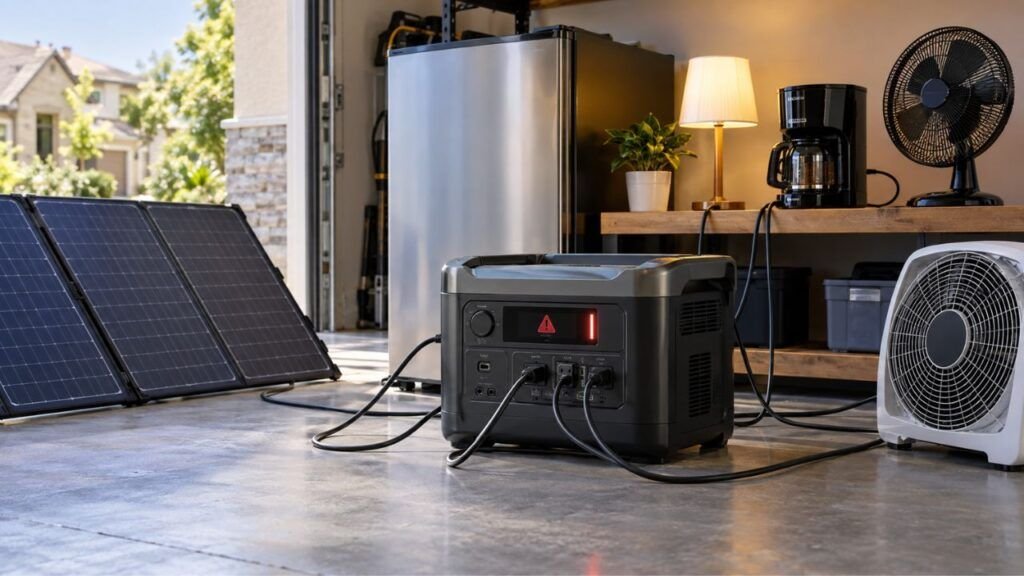
Your solar generator usually keeps overloading because connected devices demand more power than its inverter can safely supply. The problem may come from excessive running watts, a high startup surge, an overloaded output port, overheating, or a faulty appliance.
In this guide, I’ll help you identify the exact cause. You’ll also learn how to reset the unit safely and prevent repeated overloads.
Key Takeaways
- An overload usually means electrical demand exceeds a safe output limit.
- Running watts and startup surge watts are two different limits.
- Refrigerators, pumps, air conditioners, and tools can create large startup surges.
- Individual AC, DC, or USB ports may have separate power limits.
- Overheating and short circuits can sometimes resemble normal overload problems.
- An overload warning with nothing connected deserves additional troubleshooting.
- Solar panel overvoltage is different from an AC inverter overload.
- Always follow your specific solar generator’s manual when resetting protection systems.
Why Does My Solar Generator Keep Overloading?
A solar generator overload happens when its inverter cannot safely provide the power your connected equipment requests.
Every solar generator has a maximum continuous AC output. It may also have a higher temporary surge rating.
Suppose your solar generator provides 2,000 watts continuously. Running appliances totaling 2,400 watts can trigger its overload protection.
However, your total running wattage may look perfectly reasonable. A refrigerator compressor or pump could still create a temporary startup spike.
That brief surge may exceed the generator’s peak output.
Modern solar generators normally protect themselves by shutting down AC output. Some units display an overload warning or error code instead.
That protection is useful because it prevents excessive electrical and thermal stress.
An overload warning therefore does not automatically mean something has broken. In many cases, reducing the load solves the problem immediately.
The important part is figuring out what is actually causing it.
First, Identify What Kind of Overload You Have
The timing of the overload provides valuable clues. Before changing settings or replacing equipment, notice exactly when the warning appears.
| What You Notice | Most Likely Cause | What to Check First |
| Overloads when one appliance starts | Startup surge | Appliance starting watts |
| Overloads after adding several appliances | Excessive continuous load | Combined running watts |
| Only one output port shuts down | Port-specific overload | Individual port rating |
| Overloads after running for several minutes | Heavy sustained load or heat | Load and ventilation |
| Overloads during pass-through charging | Operating-mode limit | Pass-through output rating |
| Warning appears after connecting solar panels | PV input voltage issue | Solar input voltage limit |
| Overload appears with nothing connected | Internal fault or protection issue | Error code and reset procedure |
| One appliance always causes the problem | Appliance demand or fault | Appliance wattage and condition |
This simple diagnosis can save plenty of troubleshooting time.
If your refrigerator triggers the warning immediately, for example, startup surge becomes the first thing to investigate.
If everything works for 30 minutes before shutting down, heat or sustained load deserves more attention.
The Most Common Reasons a Solar Generator Overloads
Several problems can produce a similar warning. I’ll go through each one so you can narrow down your situation.
Your Total Running Load Exceeds the Inverter Rating
This is the most straightforward cause.
Your solar generator can only deliver a certain amount of continuous AC power.
Imagine your unit has a 2,000-watt continuous inverter.
You connect:
- A 1,200-watt microwave
- A 700-watt coffee maker
- A 200-watt television
Together, those devices require about 2,100 watts.
That already exceeds the 2,000-watt continuous limit.
The solar generator may immediately disable its AC output.
This is also where battery capacity creates confusion.
A solar generator containing a 3,000Wh battery does not necessarily provide 3,000 watts of AC output.
Watt-hours measure stored energy.
Watts measure how much power the inverter can provide at once.
You need to check both specifications separately.
One Appliance Has a High Startup Surge
Motor-driven appliances are frequent overload triggers.
They often require considerably more electricity while starting than while running normally.
Common examples include:
- Refrigerators
- Freezers
- Window air conditioners
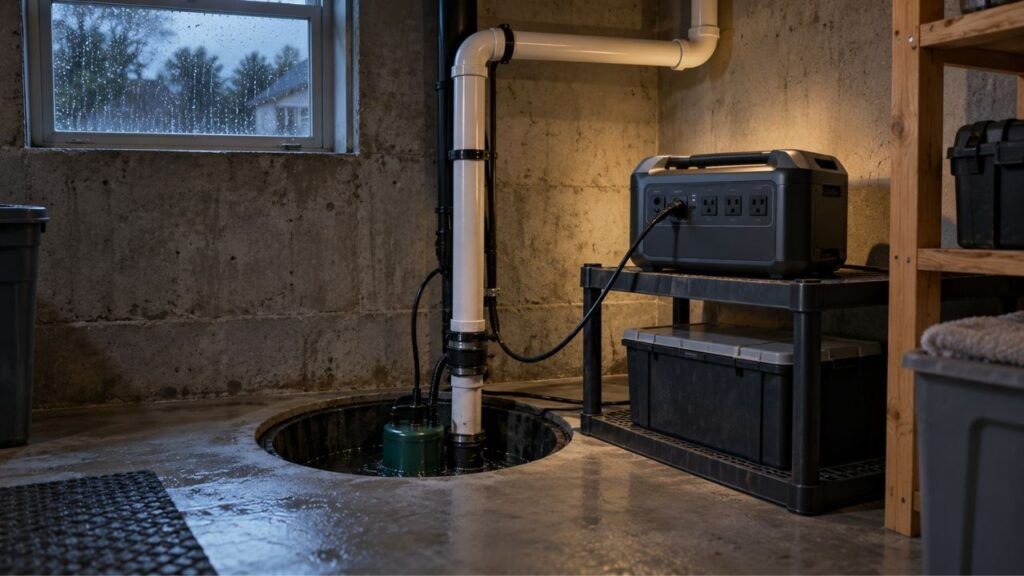
- Sump pumps
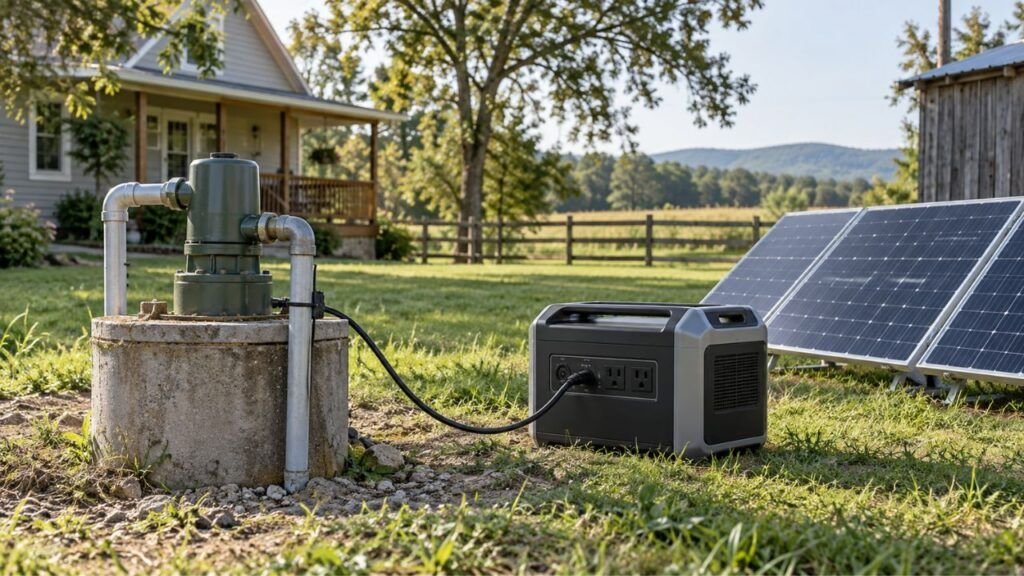
- Well pumps
- Air compressors
- Shop tools
- Some washing machines
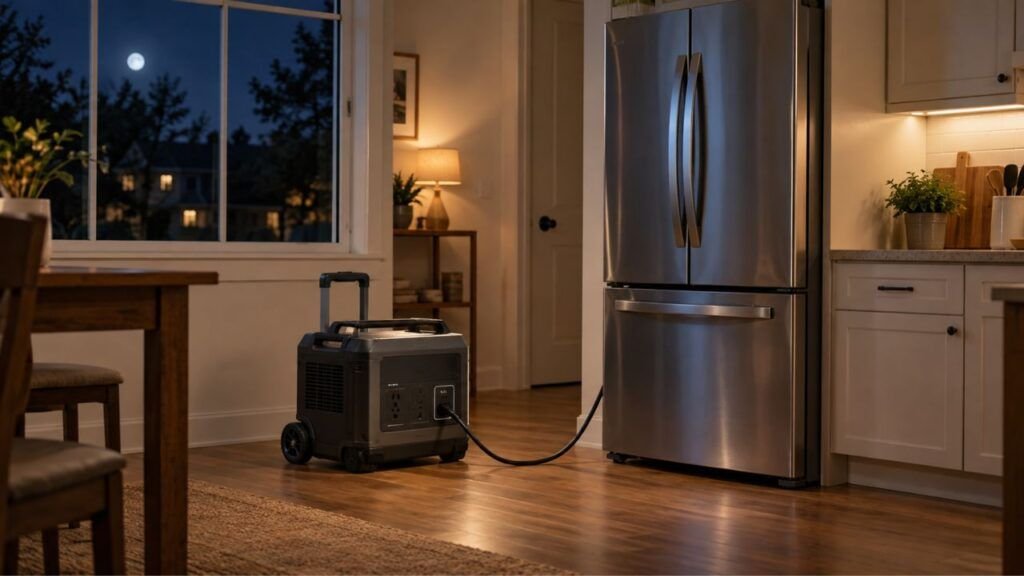
Consider a refrigerator using only 150 watts while operating normally.
Its compressor may briefly demand several times that amount during startup.
Your generator must handle that sudden spike.
If the startup demand exceeds its surge rating, protection may activate immediately.
This explains why a generator can run lights and electronics perfectly. Then everything suddenly shuts down when the refrigerator compressor starts.
Do not rely on one universal startup multiplier for every appliance.
Different motors and compressors behave differently.
Check the appliance documentation whenever its startup wattage is available.
A watt meter can also provide useful real-world measurements.
Two Motor Loads Start at the Same Time
Sometimes neither appliance is too large individually.
The problem happens because two appliances start simultaneously.
Imagine your refrigerator and sump pump are already connected.
Both consume relatively little power after they reach normal operation.
However, their motors could occasionally start within the same second.
Now your inverter must handle both startup surges together.
That combined surge may exceed its temporary peak output.
This problem can seem random because everything works normally most times.
Then the system unexpectedly trips during another operating cycle.
Load sequencing can help.
Start your largest motor-driven appliance first. Give it enough time to stabilize before adding another heavy load.
One Output Port Is Being Overloaded
Your solar generator’s overall output rating is not always the limit of every individual port.
That’s an important detail.
A power station might provide significant total output while having lower limits on:
- 12V car outlets
- DC barrel connectors
- USB-C ports
- USB-A ports
- Individual AC outlet groups
Suppose your generator provides 2,000 watts of total AC output.
That does not mean its 12V car socket can provide anything close to 2,000 watts.
Connecting a high-current 12V appliance could overload that individual circuit.
Meanwhile, the rest of the solar generator may still have plenty of capacity.
Check your manual for each port’s voltage, amperage, and wattage limits.
The Appliance Draws More Power Than You Expected
Appliance labels can sometimes confuse people.
You might see one wattage number and assume that’s the maximum demand.
However, appliances can have several relevant numbers:
- Rated watts
- Maximum input watts
- Running watts
- Starting watts
- Heating-element wattage
- Compressor or motor wattage
A microwave is a good example.
Its advertised cooking power may not equal its actual electrical input.
A microwave marketed as 1,000 watts can require considerably more electricity from the outlet.
Heating appliances can also draw near their full rated power continuously.
When possible, look for input power rather than assuming the marketing number represents actual consumption.
A Damaged Appliance, Cord, or Connection Is Causing Excess Current
Not every repeated overload comes from normal appliance demand.
A damaged appliance or electrical connection can also create problems.
Inspect anything connected to your generator.
Look for:
- Cracked plugs
- Melted connectors
- Loose terminals
- Frayed extension cords
- Burn marks
- Bent pins
- Damaged adapters
- Unusual appliance noises
A short circuit may trigger protection very quickly.
If one appliance repeatedly causes shutdowns despite being comfortably within the generator’s rating, stop using that appliance until you determine why.
Do not repeatedly reset the solar generator and reconnect something that appears damaged.
Your Solar Generator Is Getting Too Hot
Heavy electrical loads create heat inside the inverter.
The cooling system normally removes that heat through vents and fans.
Problems can develop when airflow becomes restricted.
For example, avoid operating the unit:
- Inside a closed cabinet
- Against a wall blocking ventilation
- Under blankets or clothing
- In direct hot sunlight unnecessarily
- Beside another heat-producing appliance
A heavily loaded solar generator may eventually activate thermal protection.
Technically, overheating is not always the same fault as electrical overload.
Your display might show a separate temperature warning.
Still, the two problems can be related.
Running close to maximum output for extended periods generates more heat.
If your generator works initially but stops later, check temperature and ventilation.
Pass-Through or UPS Mode Has a Different Power Limit
Many modern solar generators can power appliances while simultaneously receiving AC input.
This is often called pass-through charging, bypass operation, UPS mode, or EPS mode.
However, operating limits can change between modes.
Your generator might provide one maximum output when running from its battery.
It could have another limit while connected to household AC power.
This is why you should not assume the normal inverter rating applies equally in every operating mode.
Check your manual for:
- UPS output limits
- Pass-through limits
- AC input limits
- Charging power limits
- Bypass specifications
If overloads happen only while charging, this section of your manual becomes especially important.
The Warning Is Actually a Different Protection Fault
Sometimes users describe every shutdown as an overload.
Your solar generator may actually be responding to something else.
Possible protections include:
- Short circuit
- Output overcurrent
- Overtemperature
- Battery undervoltage
- Battery overtemperature
- PV overvoltage
- DC-port overload
The exact display message matters.
If your generator provides an error code, write it down before restarting.
Then check the manual for that specific code.
This can prevent you from troubleshooting the wrong problem entirely.
Running Watts vs. Surge Watts: Why the Difference Matters
You need to understand two inverter ratings before troubleshooting recurring overloads. They explain most problems involving refrigerators, air conditioners, pumps, and motor-driven equipment.
Continuous or Running Watts
Continuous wattage tells you how much AC power the inverter can provide steadily.
Suppose your generator has a 2,000W continuous output.
Your connected appliances should remain within that operating limit.
If several devices continuously demand 2,300 watts, the generator may shut down.
You should also avoid treating the maximum rating as your everyday target.
Leaving some reasonable headroom makes sudden load changes easier to handle.
Surge or Peak Watts
Surge wattage is temporary extra output available for short bursts.
It primarily helps the generator start demanding equipment.
An inverter might provide:
- 2,000W continuous output
- 4,000W temporary surge output
That does not mean you can continuously operate 4,000 watts of appliances.
The higher number normally applies only for a limited period.
Surge duration also matters.
Two solar generators can advertise similar peak wattage while supporting that peak differently.
Check the manufacturer’s specifications before depending on surge output for an essential appliance.
Why Battery Capacity Does Not Prevent an Overload
This causes plenty of confusion.
Imagine two specifications:
Battery capacity: 3,000Wh
Continuous inverter output: 1,500W
The 3,000Wh battery determines how much energy is stored.
The 1,500W inverter determines how much AC power you can draw continuously.
Having more stored energy does not automatically increase inverter output.
Think of battery capacity as the size of your fuel tank.
Think of inverter wattage as how quickly power can leave that tank.
You need enough of both for your intended appliances.
How to Calculate Whether Your Solar Generator Is Actually Overloaded
You don’t need complicated electrical calculations for a basic load check. Gather a few numbers and compare them with your generator’s specifications.
- Find the continuous AC output rating. Look for rated output, continuous output, or rated AC power.
- Find the surge output rating. This may appear as peak, surge, or starting output.
- List every connected appliance. Include small items because their watts still contribute.
- Add the running wattages together. Compare that result with continuous inverter output.
- Identify motor-driven appliances. Refrigerators, pumps, compressors, and tools deserve special attention.
- Check startup requirements. Use manufacturer information whenever available.
- Compare the highest expected demand against both limits. Make sure normal load fits continuous output while startup spikes fit surge capability.
Here’s a simple example.
Suppose your generator provides 2,000W continuous output.
You are running:
- Refrigerator: 150W
- Television: 120W
- Lights: 80W
- Coffee maker: 900W
Your normal total becomes approximately 1,250 watts.
That appears safe.
However, if the refrigerator compressor starts while the coffee maker operates, total demand briefly rises.
Whether that creates an overload depends on the refrigerator’s startup demand and your generator’s surge capability.
That’s why checking only normal running watts can miss the real problem.
How to Fix a Solar Generator That Keeps Overloading
The best troubleshooting method is removing everything and rebuilding the load gradually. This helps you identify whether the problem comes from one appliance, combined demand, or the generator itself.
- Disconnect your appliances. Remove connected loads from AC and DC outputs.
- Read the warning first. Note any overload message, temperature symbol, or error code.
- Turn off the affected output. Disable AC or DC output as appropriate.
- Inspect your equipment. Check plugs, cords, outlets, and adapters for damage.
- Allow cooling when necessary. If the unit feels unusually hot, improve airflow before restarting.
- Reset according to the manual. Different manufacturers use different reset procedures.
- Start with one appliance. Choose the device you suspect is causing trouble.
- Watch the output wattage. Many power stations display real-time load information.
- Add other appliances one at a time. Give motor-driven equipment time to stabilize.
- Stop when the overload returns. The last appliance or combination provides your strongest clue.
Avoid repeatedly forcing the same overload condition.
If your system consistently trips with an apparently reasonable load, further diagnosis is necessary.
What If One Appliance Keeps Triggering the Overload?
If the same appliance causes every shutdown, isolate it.
Disconnect everything else from the solar generator.
Restart the unit normally.
Now connect only the suspected appliance.
If the overload returns immediately, compare that appliance’s requirements against your generator’s continuous and surge limits.
Pay particular attention to motors, compressors, and heating elements.
You should also consider the appliance itself.
A damaged motor or failing compressor may draw abnormal current.
A device working from a household outlet does not necessarily prove your solar generator can handle it.
A residential circuit can provide much more startup current than many portable inverters.
If the numbers appear compatible but overloads continue, test another appliance of known wattage.
That can help determine whether the problem follows the appliance or the generator.
Why Does My Solar Generator Overload While Charging?
Charging while powering devices is convenient, but operating limits can change. The exact behavior depends heavily on how your particular solar generator manages incoming and outgoing power.
AC Pass-Through Charging
Many portable power stations support simultaneous AC charging and appliance operation.
However, do not automatically assume your normal battery-mode output rating applies.
Some systems pass incoming utility power directly toward connected appliances.
Others manage power through internal charging and inverter circuitry.
Your available output may therefore vary by mode.
If overload happens only while AC charging, check the published pass-through or UPS specifications.
Charging From a Gas Generator
Some people recharge large solar generators using a gas or propane generator during extended outages.
That creates another possible limitation.
The external generator must supply the charging demand reliably.
If your power station allows adjustable AC charging speed, reducing charging power may help an undersized external generator remain stable.
Large household loads can also complicate integrated backup systems.
If you’re using a hybrid inverter or permanent home backup setup, follow the inverter manufacturer’s generator-input configuration requirements.
Solar Panel Input Is Over Voltage
If the problem appears when you connect solar panels, don’t immediately assume the AC inverter is overloaded.
Solar input has separate electrical limits.
Your solar generator normally specifies:
- Maximum PV voltage
- Maximum solar input wattage
- Maximum input current
- Accepted operating voltage range
One specification deserves special attention: open-circuit voltage, or Voc.
The combined Voc of your solar array must remain within the generator’s permitted PV voltage.
This becomes especially important when panels are wired in series.
Series wiring increases voltage.
Cold weather can also increase solar panel open-circuit voltage.
If your generator reports a PV-voltage fault, disconnect the array and verify its specifications before reconnecting it.
Can Low Battery Charge Cause a Solar Generator to Overload?
A low battery can affect how some solar generators operate, but low charge should not automatically be treated as an overload.
Modern power stations normally monitor several conditions independently.
They can protect against:
- Low battery voltage
- Excessive output current
- High temperature
- Inverter overload
- Battery faults
If your generator shuts down at a low state of charge, look at the actual error message.
You may be experiencing low-voltage protection rather than an overloaded inverter.
Charging the battery and testing again can provide another useful clue.
If the generator only struggles with heavy appliances at very low battery levels, check whether your manufacturer publishes output restrictions at low state of charge.
What If It Says Overload With Nothing Plugged In?
An overload warning with no connected appliances needs different troubleshooting. At that point, there is no normal external load available to explain the warning.
Try these checks:
- Disconnect every AC appliance.
- Disconnect every DC accessory.
- Remove USB devices and charging cables.
- Turn off all output sections.
- Check the display for a specific error code.
- Allow the unit to cool completely.
- Restart it using the manufacturer’s procedure.
- Check the manufacturer’s app if your model supports diagnostics.
- Follow official firmware guidance when an update is recommended.
- Contact support if the error immediately returns.
Do not open the battery enclosure to investigate.
Large lithium battery systems can contain hazardous electrical energy even when their external outlets are turned off.
If the overload returns with absolutely nothing connected, an internal inverter, sensor, wiring, or protection-system problem becomes more likely.
Professional diagnosis may then be necessary.
How to Prevent Solar Generator Overloads
Preventing overloads is easier than repeatedly resetting your power station. A few basic habits can make your backup setup much more reliable.
- Calculate your normal appliance load before an outage.
- Compare total running watts with continuous inverter output.
- Check startup requirements for motors and compressors.
- Leave reasonable power headroom when possible.
- Start heavy motor-driven appliances separately.
- Avoid starting multiple compressors simultaneously.
- Respect individual AC and DC port ratings.
- Keep ventilation openings completely unobstructed.
- Avoid damaged or undersized extension cords.
- Watch real-time output wattage on the display.
- Understand UPS and pass-through output limitations.
- Keep solar panel voltage within PV input specifications.
- Investigate repeated overloads instead of continually resetting them.
A little planning matters most during an outage.
You don’t want to discover your refrigerator and sump pump cannot start together after the grid has already failed.
Should You Use X-Boost, Power Lifting, or Similar Modes?
Some solar generators include special modes for running appliances above their normal rated range.
Manufacturers use different names for these features.
You may see terms such as power lifting or load-boosting modes.
These features can be helpful, but they should not be misunderstood.
They do not magically transform a smaller inverter into an unlimited power source.
Instead, some systems modify output behavior so compatible appliances can continue operating under specific conditions.
Performance may change.
Certain heating appliances, for example, may receive reduced effective power.
Other appliances may not be suitable for these modes at all.
Motor-driven equipment and sensitive electronics can behave differently.
Always check your exact model’s compatibility guidance.
If you constantly depend on a boost feature to operate essential appliances, your generator may simply be undersized for your normal needs.
When Is the Solar Generator Probably Too Small?
Sometimes troubleshooting reveals that nothing is actually wrong.
Your power station may just be smaller than your required load.
Consider a larger inverter if essential appliances consistently push the existing unit near its continuous limit.
The same applies when an important compressor repeatedly exceeds available surge capacity.
You may also need more output when several essential appliances must operate simultaneously.
For example, home backup might require a refrigerator, freezer, sump pump, communication equipment, and lights.
Turning everything else off every time one motor starts becomes inconvenient quickly.
Choose inverter output based on actual power demand.
Choose battery capacity separately based on how long those appliances must operate.
That approach gives you a much more reliable backup system.
When Should You Stop Using the Solar Generator?
Most overload warnings are protective events, but some symptoms should not be ignored. Stop using the unit if you notice signs suggesting electrical or battery damage.
Watch for:
- Burning or chemical odors
- Melted plugs
- Discolored outlets
- Swollen housing
- Visible battery deformation
- Repeated short-circuit warnings
- Excessive abnormal heat
- Smoke or sparking
- Damaged charging connectors
- Overload warnings with no connected equipment
- Internal fault codes requiring service
Disconnect external equipment when it is safe to do so.
Do not repeatedly restart a unit showing obvious signs of physical damage.
You should also avoid opening or repairing the lithium battery pack yourself.
Contact the manufacturer or a qualified service provider for further diagnosis.
Final Words
A solar generator that keeps overloading usually isn’t mysterious once you identify when the problem occurs. Most cases come down to excessive continuous wattage, a brief startup surge, an overloaded port, or one appliance demanding more power than expected.
Start by removing every load and reconnecting devices individually. Compare running and startup requirements with your generator’s actual ratings. If the overload continues with nothing attached, the problem may be inside the unit rather than your appliances.
Related FAQs
Why Does My Solar Generator Say Overload When Nothing Is Plugged In?
An overload warning with nothing connected can indicate an internal inverter, sensor, wiring, or protection-system issue. Disconnect every cable, restart the unit according to its manual, and seek manufacturer support if the warning immediately returns.
How Do I Reset a Solar Generator After an Overload?
Disconnect connected appliances, turn off the affected output, and allow the unit to cool if necessary. Then follow your model’s reset procedure before reconnecting appliances individually rather than switching every load back on simultaneously.
Can Overloading Damage a Solar Generator?
Modern solar generators normally include protection that shuts output down before serious damage occurs. However, repeatedly forcing overload conditions can create unnecessary heat and stress, so you should identify and correct the underlying cause.
Why Does My Solar Generator Overload When My Refrigerator Starts?
A refrigerator compressor can demand considerably more power during startup than during normal operation. If that temporary requirement exceeds your solar generator’s surge capability, the inverter may shut down even though the refrigerator’s running watts seem low.
Why Does My Solar Generator Overload With Only One Appliance?
That appliance may exceed the generator’s continuous rating, create a large startup surge, or have an electrical fault. Check its input wattage and starting requirements before assuming the generator itself is defective.
Can a Solar Generator Overload While Charging?
Yes, depending on the generator and operating mode. Pass-through charging, UPS operation, and external generator charging can have specific power limits, so check your model’s charging and simultaneous-output specifications.
Does Low Battery Power Cause an Overload Warning?
Low battery charge does not automatically mean inverter overload. Many power stations have separate low-voltage protection, so check the displayed error before assuming excessive appliance demand caused the shutdown.
Is Surge Wattage the Same as Starting Wattage?
They are closely related but describe different sides of the situation. Starting wattage describes temporary appliance demand, while surge wattage describes the temporary extra output the solar generator’s inverter can provide.
Can Solar Panels Overload a Solar Generator?
Solar panels can exceed a power station’s PV input limits, particularly its maximum input voltage. That condition is different from an AC appliance overload, so always compare array voltage and current against the solar input specifications.
Why Does My Solar Generator Overload After Running for a Few Minutes?
A delayed shutdown can happen when the continuous load is too high or the inverter becomes too hot. Reduce connected wattage, improve ventilation, and check whether the display shows overload or temperature protection.

Austin Parker writes practical generator how-to guides, troubleshooting advice, and buying guides for solar, portable, and fuel-powered generators. His focus is helping readers solve common power problems, understand their options, and choose dependable equipment for real-world use.