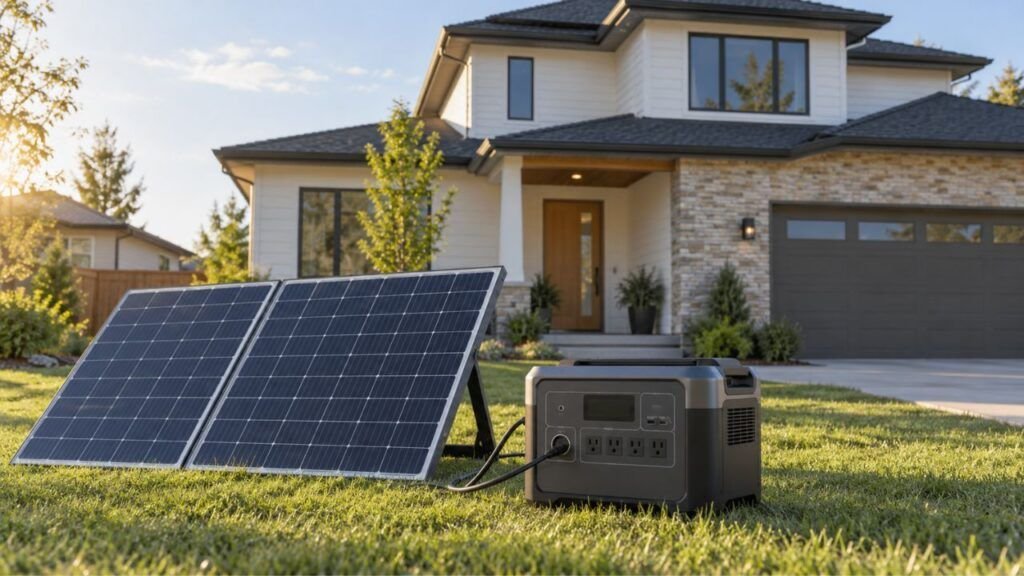
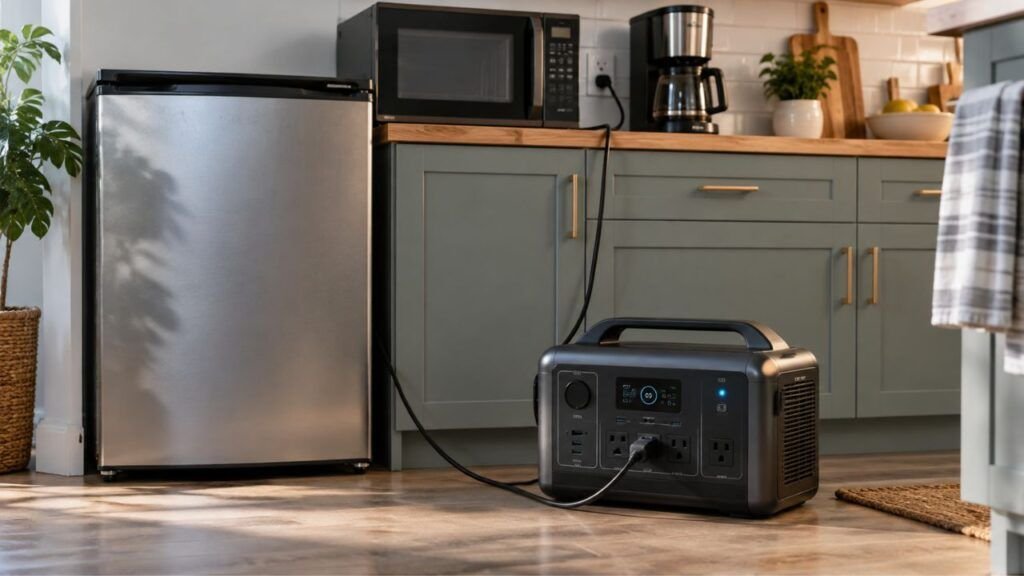
Your solar generator may not power an appliance because its running or starting wattage exceeds the inverter limit. The AC output may also be turned off, overloaded, overheated, or disabled by low battery protection.
In this guide, I’ll help you narrow down the cause quickly. We’ll check wattage, surge demands, settings, connections, battery condition, and common protection shutdowns.
Key Takeaways
- Check whether the AC output is actually turned on.
- Compare appliance running watts with the generator’s continuous output.
- Motor appliances may need much higher starting wattage.
- An overload can disable AC output until the system resets.
- Low battery voltage may stop high-power appliances from running.
- Overheating can temporarily shut down the inverter.
- More solar panels usually do not increase inverter output capacity.
- If small appliances work, the larger appliance may be incompatible.
Why Is My Solar Generator Not Powering an Appliance?
Most problems fall into a few predictable categories. Start with the easiest checks before assuming something inside the generator has failed.
The Appliance Exceeds the Generator’s Running Wattage
Every solar generator has a maximum continuous AC output.
Suppose your generator provides 1,000 watts continuously. Connecting a 1,500-watt space heater will normally trigger overload protection.
A larger battery does not solve this problem.
Battery capacity tells you how much energy is stored. The inverter rating determines how much power can leave the unit.
This distinction causes plenty of confusion.
A 2,000Wh solar generator could still have a 1,000W inverter. In that case, a 1,500W appliance remains too powerful.
Check your generator’s specifications for terms like:
- Rated AC output
- Continuous output
- AC output power
- Inverter output
Then compare that number with the appliance’s rated wattage.
The Appliance Needs Too Much Starting Power
Some appliances need significantly more power when they first start.
This usually happens with appliances containing motors or compressors.
Common examples include:
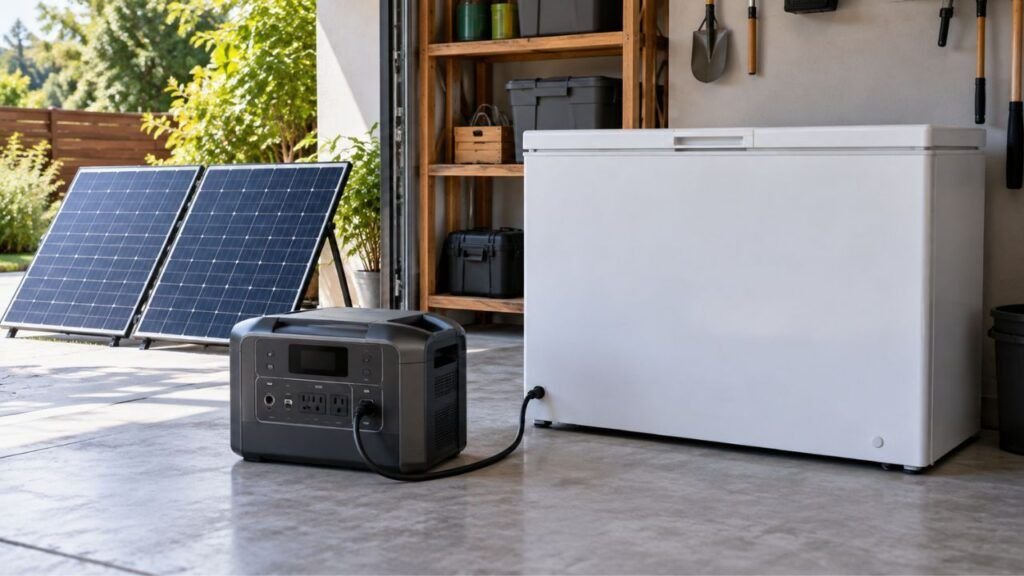
- Refrigerators
- Freezers
- Window air conditioners
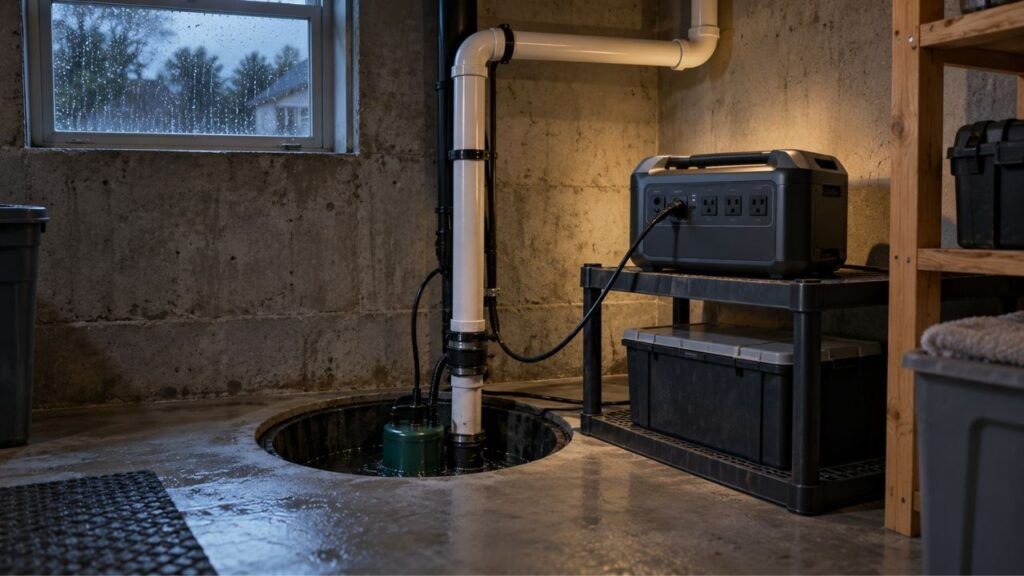
- Sump pumps
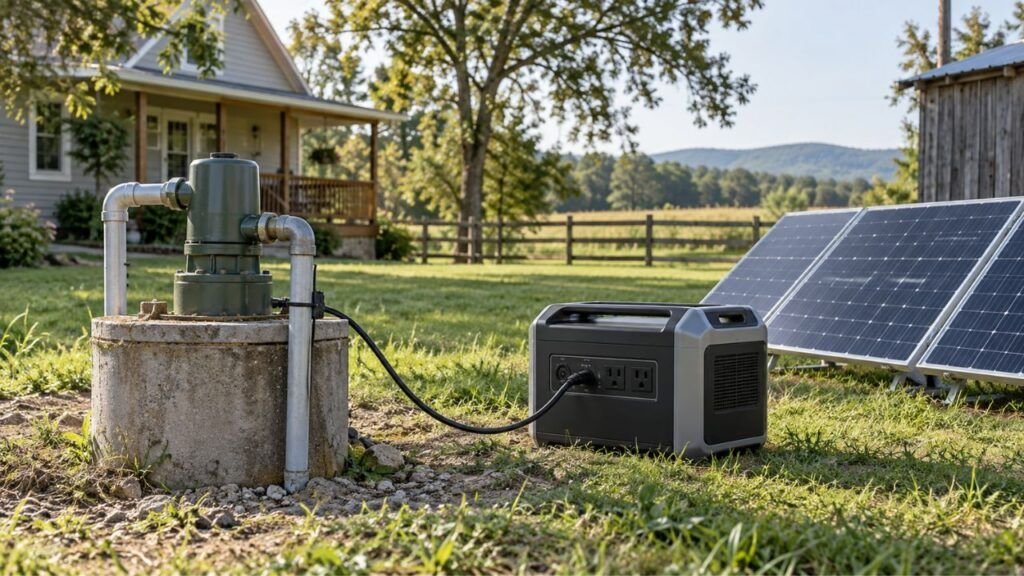
- Well pumps
- Air compressors
- Vacuum cleaners
- Power tools
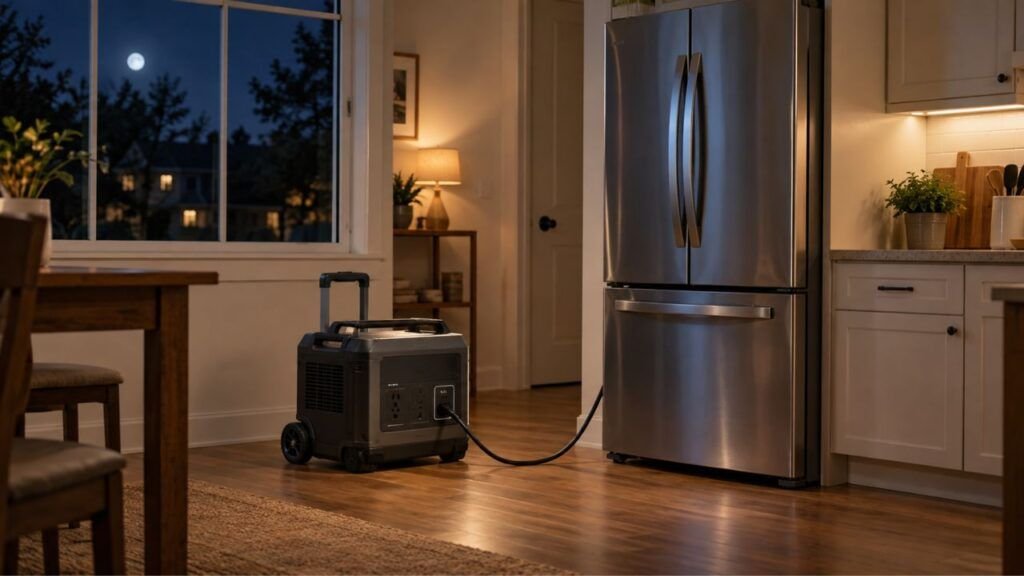
A refrigerator might consume modest power after starting. However, its compressor can briefly demand much more power.
Your solar generator must handle that short startup spike.
Look for specifications called:
- Surge watts
- Peak output
- Starting watts
- Starting amps
- Inrush current
- Locked rotor amps
Avoid relying only on the appliance’s normal running wattage.
If possible, use the appliance manufacturer’s actual startup specification. Startup demands vary greatly between motors and compressor designs.
The AC Output Is Turned Off
This one sounds obvious, but it catches plenty of people.
Many solar generators have separate controls for different output sections.
Turning on the main unit may activate the display. It does not always activate the AC outlets.
Look for an AC button or AC indicator.
The screen can be completely normal while the wall-style outlets remain disabled.
Press the correct AC output button and watch for confirmation.
If your unit uses an app, check the AC settings there too.
Overload Protection Has Tripped
Solar generators protect themselves when connected loads become excessive.
The inverter may shut down when:
- Running wattage becomes too high
- Startup surge exceeds its limit
- Several appliances run together
- A short circuit occurs
- The connected appliance develops a fault
You may see an overload warning or error code.
Sometimes the generator stays powered while only the AC output shuts down.
Disconnect everything before attempting a reset.
Then follow the reset procedure listed in your owner’s manual.
After resetting, test the generator with one small appliance first.
Do not reconnect everything at once.
The Battery Is Too Low
A solar generator can remain turned on at low battery levels.
That does not mean it can support a demanding appliance.
High-power AC loads place significant demand on the battery. When battery voltage falls too low, the battery management system may disable output.
This protects the battery from excessive discharge.
Charge the generator before testing again.
For troubleshooting, I prefer testing with a reasonably charged battery. That removes low battery condition from the equation.
The Solar Generator Is Too Hot
Heavy appliance loads create heat inside the inverter.
If the unit gets too hot, temperature protection may reduce output or shut it down.
This can happen when the generator is:
- Sitting in direct sunlight
- Inside a hot vehicle
- Surrounded by luggage or equipment
- Running a large appliance continuously
- Operating with blocked cooling vents
- Stored in an enclosed cabinet while working
Move it somewhere cooler with good airflow.
Disconnect the appliance and allow the unit to cool naturally.
Never cover cooling vents while the generator operates.
The Appliance, Cord, or Plug Is Faulty
The generator may not actually be the problem.
Check the appliance’s power cord carefully.
Look for:
- Cuts
- Melted areas
- Loose plugs
- Bent pins
- Burn marks
- Damaged extension cords
- Loose outlet connections
If safe, test the appliance using normal household power.
If it also fails there, troubleshoot the appliance instead.
You can also test your generator using another known-good device.
That simple comparison can save considerable troubleshooting time.
The Appliance Requires a Different Voltage
This is especially important for users in the United States.
Most portable solar generators provide standard 120V AC outlets.
However, some larger appliances require 240V power.
Examples may include:
- Electric dryers
- Electric ranges
- Certain well pumps
- Large air conditioners
- Some shop equipment
- Certain water heaters
Having enough watts does not solve a voltage mismatch.
A 120V-only solar generator cannot normally power a 240V appliance.
Do not assume a simple plug adapter fixes this issue.
The generator must actually provide the voltage and electrical configuration required.
ECO Mode or Automatic Shutdown Is Interfering
Some solar generators automatically disable AC output when demand stays very low.
This helps conserve battery power.
Unfortunately, intermittent appliances can sometimes confuse those energy-saving features.
A refrigerator is a good example.
Its compressor may stop after reaching temperature. During that quiet period, the generator sees very little load.
An aggressive ECO setting may turn AC output off.
When the refrigerator tries restarting later, the outlet may already be disabled.
Check your generator for:
- ECO mode
- Energy-saving mode
- AC timeout
- Automatic shutdown
- Low-load shutdown
Disable these temporarily during troubleshooting.
What Your Solar Generator’s Symptoms Are Telling You
The exact symptom often points directly toward the problem. Use this table before working through every possible cause.
| What You Notice | Most Likely Cause | Check First |
| Appliance does nothing | AC output off, low battery, bad connection | AC indicator and plug |
| Appliance starts, then generator trips | Startup surge or overload | Surge rating |
| Appliance runs briefly, then stops | Continuous overload, heat, low battery | Load and temperature |
| Refrigerator works initially, then stops | Restart surge or ECO timeout | Surge and ECO settings |
| Small devices work but heater does not | Inverter output limit | Continuous wattage |
| USB works but AC outlets do not | AC inverter disabled or faulted | AC output control |
| One appliance fails but another works | Appliance compatibility issue | Appliance specifications |
| No outputs work | Battery, BMS, or system problem | Battery and error codes |
| AC shuts off when appliance connects | Overload, short, or surge | Appliance rating |
How to Troubleshoot a Solar Generator That Won’t Power an Appliance
Work through these steps in order. This approach helps isolate the problem without unnecessary resets or guesswork.
Step 1: Disconnect Everything Else
Start by removing every other connected appliance.
Leave only the problem appliance disconnected for now.
Multiple appliances share the generator’s total inverter output.
Even small loads can matter when a larger appliance starts.
Removing everything gives you a clean troubleshooting setup.
Step 2: Check the Battery and Display
Turn the generator on and inspect the screen carefully.
Check for:
- Battery percentage
- Overload warning
- Temperature warning
- AC fault
- Low-voltage alert
- Short-circuit warning
- Other error codes
Write down any error code before clearing it.
That code can be valuable if you need manufacturer support later.
Step 3: Turn On the Correct Output
Make sure the appliance is connected to the correct output type.
For a normal household appliance, you usually need AC output.
Press the AC control if your model requires it.
Look for an AC symbol or confirmation on the screen.
Step 4: Test With a Small Known-Good Appliance
Now connect something simple and low powered.
A small lamp or similar device works well.
If that appliance works normally, your AC inverter is probably functioning.
The original appliance may have:
- Excessive wattage
- High startup demand
- Voltage incompatibility
- A damaged cord
- An internal electrical issue
If the small device also fails, continue troubleshooting the generator.
Step 5: Check the Appliance’s Running Wattage
Find the electrical label on the appliance.
You may also find specifications inside the owner’s manual.
Look for values listed in watts.
If only volts and amps are shown, you can estimate:
Watts = Volts × Amps
For example:
120 volts × 10 amps = 1,200 watts.
Treat this as a basic estimate.
Actual operating consumption can vary depending on the appliance.
Step 6: Check Starting Wattage
This step matters most for motor-driven equipment.
Search the appliance documentation for starting current or startup wattage.
Never assume running wattage tells the entire story.
Your refrigerator may run comfortably after startup but still exceed the generator’s surge limit for a moment.
That brief surge can shut everything down.
Step 7: Compare Both Ratings
You need two numbers from the solar generator:
Continuous output
and
Surge or peak output
Then compare them.
The appliance’s normal wattage must stay within continuous output.
Its startup demand must also stay within supported surge capability.
Remember that surge duration matters too.
One generator may support its peak rating for seconds. Another may support it for a much shorter period.
Check the model manual if the appliance is close to the limit.
Step 8: Remove Other Loads
Reconnect only the appliance you are testing.
A solar generator with several outlets usually shares one inverter between them.
Four outlets do not mean four separate inverter capacities.
For example, imagine your generator supports 1,800W continuously.
You already have:
- Refrigerator drawing 150W
- Coffee maker drawing 1,000W
- Electronics drawing 150W
You are already using around 1,300W.
Another large appliance can easily push the inverter beyond its limit.
Startup surges make this even easier.
Step 9: Reset the Protection System
If overload protection has activated, disconnect all appliances.
Turn the affected output off.
Allow the generator to cool if necessary.
Then follow your model’s recommended reset procedure.
After resetting, test with a low-power device.
Do not repeatedly reset the system while an excessive load remains connected.
Step 10: Check ECO and App Settings
Open your generator’s app if it supports one.
Look for settings related to:
- AC output
- ECO mode
- Power-saving mode
- Automatic shutdown
- AC timeout
- Output limits
Temporarily turn off energy-saving functions during troubleshooting.
This can be especially useful for refrigerators and other cycling appliances.
Step 11: Check Temperature and Ventilation
Feel around the unit without blocking any vents.
If it feels unusually hot, disconnect the load.
Move the generator into a ventilated location.
Let it cool before trying again.
Also check whether cooling fans or air passages are blocked.
Step 12: Test the Appliance on Household Power
Finally, test the appliance from a known-good household outlet when appropriate.
If it fails there too, the problem likely belongs to the appliance.
If household power runs it normally, return your attention to generator compatibility.
Running Watts vs. Starting Watts: Why an Appliance May Refuse to Start
Running and starting wattage sound similar, but they describe different demands. Understanding them makes troubleshooting motor appliances much easier.
Running Watts
Running wattage is the power an appliance uses during normal operation.
For example, a refrigerator compressor may consume a moderate amount after starting.
Your generator’s continuous output must comfortably support this demand.
Starting or Surge Watts
Starting wattage is a short burst of extra power.
Motors and compressors often need this burst to begin moving.
The spike may last only briefly.
However, that brief demand can still trip the inverter.
Why Motor and Compressor Appliances Are Different
A lamp creates a relatively steady electrical load.
A refrigerator behaves differently.
Its compressor starts, runs, shuts off, and starts again later.
Every restart can create another surge.
That explains why an appliance might work initially and fail later.
Running vs. Starting Wattage Examples
| Appliance Type | Normal Power Pattern | Startup Concern | Compatibility Risk |
| LED lamp | Steady low load | Very low | Low |
| Laptop charger | Mostly steady | Low | Low |
| Coffee maker | High heating load | Usually limited surge | Medium |
| Microwave | High AC load | Model dependent | Medium to high |
| Refrigerator | Cycling compressor | High | High |
| Window AC | Compressor load | High | High |
| Sump pump | Motor load | High | High |
| Space heater | High continuous load | Usually not surge-driven | High |
These categories are general examples.
Always check specifications for your particular appliance.
Watts vs. Watt-Hours: Battery Capacity Is Not Appliance Power
This distinction matters more than many people realize.
Watts measure power.
They tell you how much power the generator can supply right now.
Watt-hours measure stored energy.
They help estimate how long your generator can keep supplying power.
Consider a solar generator with a 2,000Wh battery.
That sounds large.
However, suppose its inverter only provides 1,000W continuously.
A 1,500W heater still cannot run normally.
The battery contains plenty of stored energy. The inverter simply cannot deliver power quickly enough.
The reverse can happen too.
A generator may have a powerful inverter and smaller battery.
It could start a demanding appliance successfully but run it briefly.
Think of wattage as the size of the doorway.
Think of watt-hours as how much energy sits behind that doorway.
Both numbers matter, but they answer different questions.
Why Does the Appliance Start but Shut Off Later?
An appliance that starts successfully but stops later gives you useful clues.
Common causes include:
- Continuous wattage is too close to the inverter limit.
- Battery voltage drops under sustained heavy load.
- The inverter overheats after several minutes.
- Another appliance starts and pushes total load higher.
- A compressor restarts and creates another surge.
- ECO mode disables output during low-load periods.
- A cord or connection becomes unstable under load.
- The appliance develops an electrical fault.
Watch the generator display when the shutdown happens.
An overload, temperature, or battery warning can immediately narrow things down.
Why Will My Solar Generator Power Small Devices but Not My Appliance?
This is usually a compatibility clue rather than complete generator failure.
Suppose your phone charger, laptop, and lamp work normally.
Then you connect a microwave and the AC output trips.
That suggests the inverter itself can produce AC power.
The larger appliance probably demands more than the system can provide.
Check:
- Running watts
- Startup watts
- Required voltage
- Combined loads
- Appliance-specific requirements
This symptom is actually helpful.
It tells you where to focus your troubleshooting.
Does Adding More Solar Panels Help Run a Bigger Appliance?
Usually, no.
This is one of the most common solar generator misunderstandings.
Solar panels provide charging input.
Your inverter provides AC output.
Adding more panel wattage may:
- Recharge the battery faster
- Extend runtime during sunlight
- Replace some energy while appliances operate
However, more solar input normally does not increase inverter capacity.
Suppose your solar generator has a 1,000W inverter.
Adding 800W of solar panels does not create a 1,800W inverter.
Your maximum AC output remains limited by the inverter design.
If the appliance needs more power, you generally need a higher-output generator.
Can Multiple Appliances Stop One Appliance From Working?
Yes.
Every appliance connected to the generator contributes to the total load.
Imagine a solar generator rated for 2,000W.
You are already running:
- Refrigerator
- Router
- Coffee maker
- Laptop
- Several lights
Now you start a microwave.
The combined load may briefly exceed the generator’s limit.
The refrigerator compressor could also restart simultaneously.
That second startup surge can push the total even higher.
When troubleshooting, disconnect everything except the problem appliance.
If it works alone, total combined load is probably your issue.
What If the Generator Has Enough Watts but the Appliance Still Won’t Work?
Wattage is only one part of compatibility. When the numbers appear sufficient, these additional checks become especially important.
Check the Required Voltage
Most portable US solar generators provide 120V AC.
Some appliances require 240V.
A high wattage rating does not overcome that difference.
Always match the appliance’s required voltage.
Check the Exact Outlet Limit
Some generators place separate limits on certain ports.
The entire unit may advertise a large total output.
However, an individual port or output group may have restrictions.
Check the manual for your specific outlet.
Check the Appliance’s Startup Current
Running wattage may look comfortably within the generator rating.
Startup current can tell a different story.
This is particularly common with pumps, compressors, and refrigeration equipment.
Check Power-Saving Settings
An energy-saving mode may be shutting output down unexpectedly.
Try disabling:
- ECO mode
- Low-load shutdown
- Automatic AC timeout
Then test the appliance again.
Check Appliance-Specific Electrical Requirements
Some equipment has additional power requirements.
These can involve:
- Grounding
- Neutral configuration
- Waveform quality
- Sensitive electronic controls
- Specific frequency requirements
Do not modify generator wiring to solve these issues yourself.
Check both product manuals when compatibility remains unclear.
Check Pass-Through or Bypass Limits
Some solar generators behave differently while charging.
A model may support one output limit from battery power and another during bypass operation.
Do not assume both modes provide identical capability.
Check the manufacturer’s specifications for your exact model.
Quick Appliance Compatibility Checklist
Before connecting an appliance, check these points:
- Does the appliance require 120V or 240V?
- Does the generator provide that voltage?
- What is the appliance’s running wattage?
- What is its starting wattage?
- What is the generator’s continuous AC output?
- What is its surge capability?
- How long can it sustain surge power?
- Are other appliances already connected?
- Is the battery sufficiently charged?
- Is AC output turned on?
- Are ECO settings interfering?
- Are the generator vents clear?
- Does the appliance work from household power?
- Are the plug and cord undamaged?
Running through this checklist first can prevent most compatibility problems.
What Not to Do When an Appliance Won’t Run
Some troubleshooting shortcuts can create bigger problems.
Avoid these mistakes:
- Do not repeatedly reset an active overload.
- Do not bypass fuses or protection systems.
- Do not assume plug adapters change voltage.
- Do not cover cooling vents.
- Do not open the generator casing unnecessarily.
- Do not modify neutral or ground wiring yourself.
- Do not use melted or damaged outlets.
- Do not continue using burned electrical cords.
- Do not ignore repeated fault codes.
- Do not use a unit that smells burnt.
- Do not use a swollen or smoking battery system.
Protection systems are there for a reason.
If they repeatedly activate, find the underlying cause before continuing.
When the Appliance Is Probably the Problem
Sometimes the solar generator is working exactly as it should.
The appliance becomes the more likely problem when:
- Other AC appliances work normally.
- The appliance also fails from household power.
- Its cord shows visible damage.
- It trips multiple power sources.
- It makes unusual electrical noises.
- You notice a burning smell.
- Its plug becomes excessively hot.
- Its electrical requirements do not match the generator.
Testing another appliance is often the fastest way to narrow this down.
When the Solar Generator May Need Service
Some symptoms point toward an actual generator fault.
Consider contacting the manufacturer when:
- Low-wattage AC appliances no longer work.
- AC output remains dead with adequate battery charge.
- USB works but AC constantly fails.
- An error returns with nothing connected.
- An outlet looks burned or melted.
- The unit shuts down far below its rated load.
- The inverter refuses to activate.
- Error codes remain after the approved reset.
- The generator becomes abnormally hot.
- You notice smoke, swelling, or burning smells.
Do not open the inverter or battery section yourself.
Portable power stations contain high-current electrical components.
Manufacturer service is the safer option for internal faults.
How to Prevent Appliance Power Problems
A few habits can prevent many future shutdowns.
- Check running wattage before connecting large appliances.
- Check startup requirements for motors and compressors.
- Leave some output headroom below the maximum rating.
- Avoid starting several large appliances together.
- Keep battery charge available for high loads.
- Keep cooling vents clean and unobstructed.
- Check ECO settings for refrigerators and freezers.
- Inspect cables before important backup use.
- Test essential appliances before an outage.
- Learn your generator’s error codes beforehand.
I especially recommend testing your emergency setup before you need it.
Finding a compatibility problem during an outage is frustrating.
Finding it during a normal afternoon is much easier to fix.
Final Words
If your solar generator powers smaller devices but rejects one appliance, start with wattage, startup surge, voltage, and total load. Those four checks solve many appliance compatibility problems.
If none of the AC outlets work, focus instead on the AC switch, battery level, overload protection, temperature, settings, and possible inverter faults.
Most importantly, remember that battery size and inverter power are different things. A large battery does not automatically mean the generator can run every appliance.
Related FAQs
Why Does My Solar Generator Turn On but Not Power Anything?
The display can turn on while AC output remains disabled. Check the AC button, battery level, protection warnings, connected load, and any active error codes.
Why Does My Solar Generator Power USB Devices but Not AC Appliances?
USB and AC outputs use different circuits. If USB works but AC does not, the AC inverter may be turned off, overloaded, faulted, or disabled by a protection setting.
Why Does My Refrigerator Trip My Solar Generator?
A refrigerator compressor can require much more power during startup than normal operation. Its startup surge may exceed the solar generator’s peak output even when running wattage looks acceptable.
Can an Appliance Be Under the Wattage Limit and Still Not Work?
Yes. Startup surge, incorrect voltage, ECO settings, grounding requirements, port limits, and appliance-specific electrical requirements can prevent operation even when normal running watts seem acceptable.
Why Does My Solar Generator Shut Off When I Plug Something In?
The connected appliance may be creating an overload, startup surge, short circuit, or voltage problem. Disconnect the appliance and check both devices’ electrical ratings before trying again.
Does a Low Battery Reduce Solar Generator Output?
A low battery can cause the inverter or battery management system to disable output under heavy loads. Recharge the generator before testing demanding appliances again.
Can a Solar Generator Run a 1,500-Watt Appliance?
It can if the generator’s continuous output exceeds 1,500W and its surge capability meets the appliance’s startup requirement. Battery capacity also determines how long it can run.
Can More Solar Panels Let Me Run a Bigger Appliance?
Usually not. More panels can improve charging speed and runtime, but they generally do not increase the solar generator’s inverter output rating.
Why Does My Appliance Run for a Few Minutes and Then Stop?
The likely causes include overheating, low battery voltage, continuous overload, compressor restart surge, ECO shutdown, or another appliance increasing the total load.
Can a 120V Solar Generator Run a 240V Appliance?
Normally, no. A 240V appliance requires a generator designed to provide compatible 240V output. A plug adapter alone does not change the generator’s voltage.
Should I Reset My Solar Generator After an Overload?
Yes, but disconnect the excessive load first. Then follow your generator manufacturer’s approved reset procedure before testing again with a smaller appliance.
How Do I Know If My Solar Generator’s Inverter Is Bad?
Suspect the inverter when AC outlets remain dead despite adequate battery charge, correct settings, and low-wattage test appliances. Persistent fault codes are another strong warning sign.

Austin Parker writes practical generator how-to guides, troubleshooting advice, and buying guides for solar, portable, and fuel-powered generators. His focus is helping readers solve common power problems, understand their options, and choose dependable equipment for real-world use.