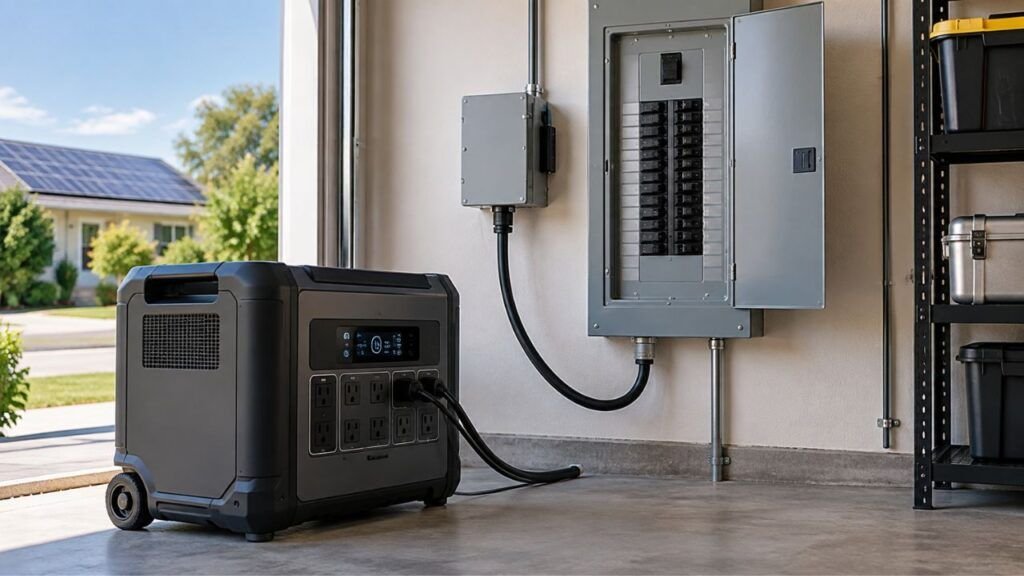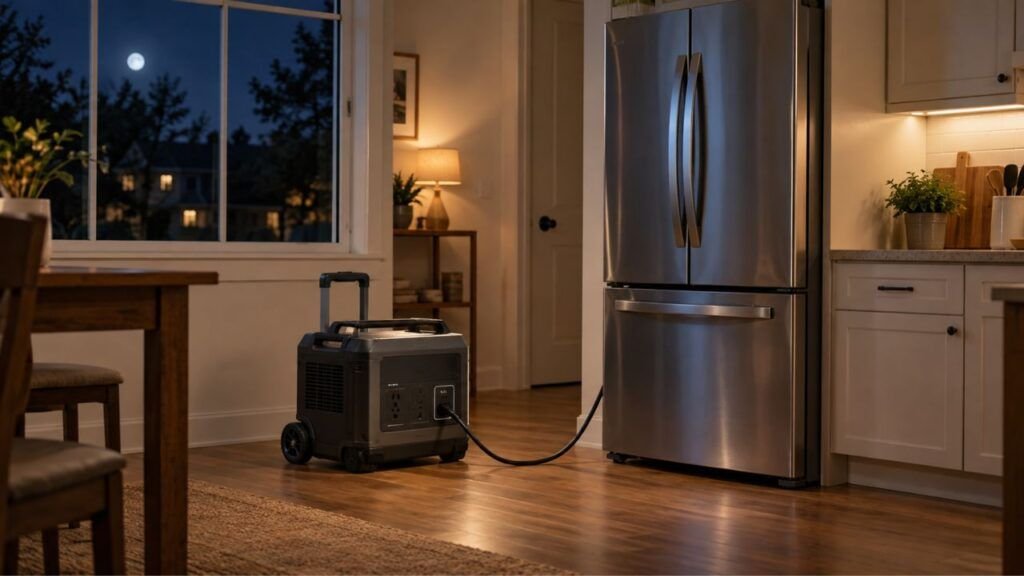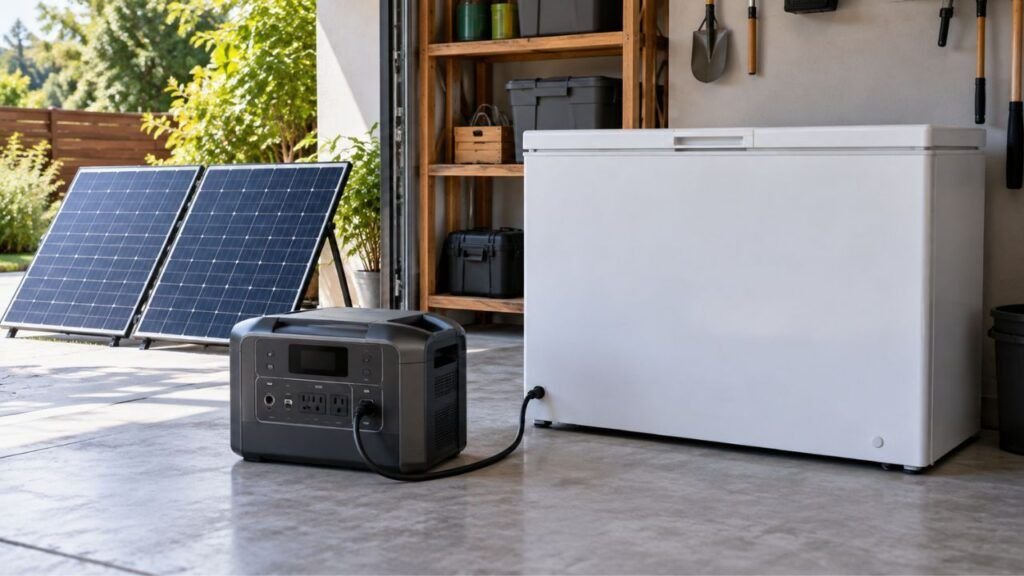
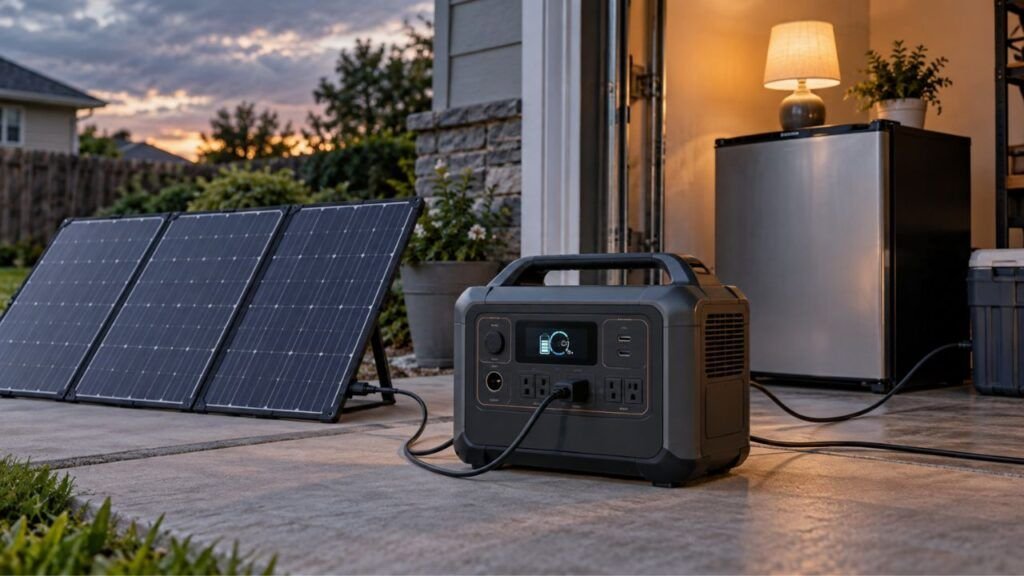
Your solar generator battery percentage usually drops too fast because your connected devices are using more power than expected, the AC inverter is consuming extra energy, the battery did not fully charge, or the battery has lost capacity. However, sudden percentage drops can also happen when the battery management system inaccurately estimates the remaining charge.
The good news is that you can usually narrow down the cause yourself. I’ll show you how to compare your load, solar input, expected runtime, battery percentage, and actual performance before assuming the battery is bad.
Key Takeaways
- High-wattage appliances can drain a solar generator surprisingly fast.
- Small appliances can also cause heavy drain when several run together.
- Your battery’s rated watt-hours are not all available at AC outlets.
- The AC inverter consumes power whenever it remains turned on.
- Solar charging may not keep up with appliances running simultaneously.
- Cold temperatures can temporarily reduce usable battery performance.
- Older batteries gradually lose their original storage capacity.
- Sudden percentage jumps may come from BMS or state-of-charge estimation errors.
- Compare actual runtime with expected runtime before replacing the battery.
Is Your Solar Generator Actually Draining Too Fast?
Before assuming something is wrong, look at how the percentage is falling. A steady decline while running a heavy appliance can be completely normal. Sudden drops, unexplained drain, or dramatically shorter runtime deserve more investigation.
| What You Notice | Likely Explanation | First Thing to Check |
| Percentage falls steadily with a heater running | Normal high-power discharge | Output wattage |
| Battery drops while nothing obvious is running | Inverter or hidden loads | Turn outputs off |
| Percentage drops while solar panels are connected | Load exceeds solar input | Input vs output watts |
| Percentage suddenly falls by 10% or more | SOC estimate or voltage sag | Remove heavy load |
| Generator shuts down before reaching 0% | BMS, calibration, or battery issue | Battery status and warnings |
| Runtime is much shorter than when new | Battery capacity loss | Controlled runtime test |
| Battery performs worse during freezing weather | Temperature effect | Battery temperature |
| Battery charges unusually fast and drains unusually fast | Reduced capacity or SOC issue | Battery health |
The important thing is distinguishing fast energy consumption from an incorrect percentage reading. They can look similar on the display but require different fixes.
Why Does My Solar Generator Battery Percentage Drop So Fast?
There is rarely one universal cause. Start with the simplest explanations first because excessive appliance load and inverter consumption are much more common than an internal battery failure.
Your Appliances Are Drawing More Power Than You Think
High-wattage appliances are the first thing I would check.
A solar generator stores a limited amount of energy. Every appliance connected to it consumes some of that stored energy every second it operates.
Some common high-draw household appliances include:
- Space heaters
- Coffee makers
- Microwave ovens
- Electric kettles
- Hair dryers
- Toasters
- Portable air conditioners
- Induction cooktops
- Shop tools
- Water pumps
A typical portable space heater can draw around 1,500 watts.
Imagine connecting that heater to a 1,000Wh solar generator. Even before accounting for inverter losses and the generator’s own power consumption, there simply is not enough stored energy to operate the heater for several hours.
The battery percentage could fall noticeably every few minutes.
That does not necessarily mean the battery is defective. You are simply spending stored energy very quickly.
Whenever the battery seems to drain unusually fast, look at the generator’s output wattage, not only its percentage.
Several Smaller Loads Are Running Together
Heavy appliances are easy to notice. Smaller loads are easier to overlook.
You might have:
- A refrigerator
- Wi-Fi router
- Television
- Laptop
- LED lights
- Phone chargers
- Fan
- Security equipment
None of these may seem particularly demanding alone.
Together, however, they could create a continuous 200W, 300W, or higher load.
The refrigerator also cycles throughout the day. Its compressor can temporarily increase power consumption whenever it starts.
This is why I recommend looking at total output watts instead of trying to guess how much each appliance is using.
Your solar generator’s display or mobile app can usually tell you the current output.
The AC Inverter Is Using Power Too
Another easily overlooked source of battery drain is the inverter itself.
Your solar generator stores electricity as DC power inside its battery. When you use a standard 120V AC outlet, the inverter converts that stored DC electricity into AC electricity.
That conversion requires energy.
The inverter may also consume power simply by remaining active, even when nothing significant is plugged into the AC outlets.
The amount varies between solar generators.
On a large battery, the difference may not seem important over an hour. On a small power station left running overnight, however, inverter consumption can become noticeable.
If you only need USB or DC equipment, try turning the AC output off.
Just make sure your particular devices can safely use those other ports.
You Have Less Usable Energy Than the Wh Rating Suggests
This is one of the biggest sources of confusion with solar generators.
Suppose your power station has a 1,024Wh battery.
It is tempting to assume that you can draw exactly 1,024Wh from its AC outlets.
Real-world operation is different.
Some energy is used by:
- The inverter
- Battery management system
- Cooling fans
- Internal electronics
- Displays and communication modules
- DC-to-AC conversion
The battery management system may also reserve some energy to protect the battery from excessive discharge.
So a battery rated at 1,024Wh does not necessarily deliver exactly 1,024Wh of usable AC energy.
That is normal.
The difference becomes especially noticeable when you calculate runtime using only the capacity printed on the battery.
Your Solar Panels Are Not Keeping Up With the Load
Connecting solar panels does not automatically stop the battery from draining.
What matters is the difference between incoming and outgoing power.
A simple way to think about it is:
Net battery change = solar input – appliance output – system losses
Suppose your panels are producing 180W.
At the same time, your appliances are consuming 450W.
Your solar panels are helping, but they are not producing enough electricity to cover your load. The battery still has to provide the remaining power.
Your percentage will therefore continue falling.
Check the input and output readings together.
For example:
Solar input: 180W
Power output: 450W
The battery is still supporting a substantial portion of the load.
Weak solar input can result from:
- Cloudy weather
- Partial shade
- Poor panel angle
- Dirty panels
- Short winter daylight
- Heat-related panel output reduction
- Limited panel capacity
Move portable panels into direct sunlight whenever possible and keep them properly positioned.
The Battery Wasn’t Truly Full When You Started
Sometimes the problem begins before you start using the solar generator.
You may believe the battery was fully charged, but it may have had less usable energy available than expected.
Possible reasons include:
- Solar charging stopped early.
- Clouds reduced charging late in the day.
- Appliances were running while charging.
- A charging limit was enabled.
- Temperature protection limited charging.
- The percentage estimate was inaccurate.
This is especially worth checking when your generator reaches a high percentage surprisingly quickly and then drops quickly afterward.
Try charging it fully using a reliable charging source according to the manufacturer’s instructions.
Then repeat your runtime test.
Cold or Excessive Heat Is Affecting Battery Performance
Battery temperature can change both short-term performance and long-term lifespan.
Cold temperatures are particularly noticeable during winter camping, RV use, garages, sheds, and outdoor emergency setups.
When the battery becomes very cold, its ability to deliver energy efficiently can decrease.
You may notice:
- Faster percentage decline
- Reduced output capability
- Earlier shutdown
- Slower charging
- Charging restrictions
This does not always mean permanent capacity loss.
Performance may improve after the battery returns to its recommended operating temperature.
Heat creates a different problem.
Repeated exposure to excessive heat can accelerate battery aging over time.
Avoid leaving your solar generator in:
- A hot vehicle
- Direct summer sunlight
- An enclosed unventilated compartment
- Areas near heaters
- Very hot garages or sheds
Use the temperature limits listed by your generator manufacturer.
The Battery Has Lost Capacity With Age
Rechargeable batteries do not keep their original capacity forever.
Every charge and discharge cycle contributes a small amount of wear.
Modern LiFePO4 batteries generally offer excellent cycle life, but they still age gradually.
Imagine your generator originally stored around 1,000Wh of usable battery energy.
Years later, its actual available capacity may be lower.
The display can still show 100%.
However, that 100% now represents the battery’s current available capacity, not necessarily the same amount of energy it stored when new.
Signs of capacity degradation can include:
- Shorter backup time
- Faster discharge under familiar loads
- Faster charging than before
- Larger voltage drops under load
- Frequent low-battery shutdowns
- Gradually worsening performance
Do not replace the battery based on percentage behavior alone.
Perform a controlled runtime test first.
The Battery Percentage Reading May Be Wrong
This is where battery percentage becomes a little more complicated.
Your solar generator does not directly measure stored electricity like a fuel gauge measuring liquid inside a tank.
Instead, its battery management system estimates state of charge.
The estimate can consider information such as:
- Battery voltage
- Current flowing into the battery
- Current flowing out
- Battery temperature
- Charging history
- Discharging history
- Estimated battery capacity
Over time, the estimate can occasionally drift.
That can create strange behavior.
You might see:
- 100% fall to 90% unusually quickly.
- 40% suddenly become 25%.
- Percentage remain unchanged for a long time.
- Battery shut down before showing 0%.
- Percentage increase after the generator rests.
In these situations, the battery may not actually be losing energy at the same rate shown on the display.
The problem could be the state-of-charge estimate.
A Heavy Load Is Causing Voltage Sag
Another reason the percentage can suddenly fall involves battery voltage.
When you place a heavy load on a battery, the voltage can temporarily drop.
This effect is often called voltage sag.
Suppose you connect a powerful microwave, heater, compressor, or power tool.
The battery suddenly has to supply much more current.
Its voltage may fall under that load.
The battery management system can interpret the lower voltage as reduced available charge.
You may therefore see the percentage fall faster while the appliance operates.
After removing the heavy load, the voltage may recover somewhat.
The percentage may then stabilize.
A useful clue is this pattern:
Large appliance starts → percentage drops rapidly → appliance stops → percentage decline slows dramatically.
If that happens repeatedly, your heavy load is probably playing an important role.
Hidden Loads or Always-On Features Are Consuming Power
You may think everything is turned off while the solar generator still has several active systems.
Possible background loads include:
- AC inverter
- DC circuitry
- USB ports
- Wi-Fi
- Bluetooth
- Display electronics
- UPS or EPS operation
- Connected chargers
- Appliances in standby mode
A television that appears off may still consume standby power.
A refrigerator may appear quiet while waiting for its next compressor cycle.
A laptop charger can remain connected even after the laptop finishes charging.
Individually, these loads may be small.
Over eight, ten, or twelve hours, they add up.
If you’re troubleshooting unexplained overnight drain, disconnect everything and disable unnecessary outputs.
Then compare the percentage several hours later.
Battery Settings, Firmware, or the BMS May Be Involved
Solar generators have become increasingly software-driven.
Battery behavior can be affected by settings such as:
- Maximum charge percentage
- Minimum discharge percentage
- Backup reserve
- Energy-saving mode
- AC standby behavior
- Charge limits
- Scheduled charging
Firmware can also influence how the system calculates and displays state of charge.
Check the manufacturer’s app for:
- Battery warnings
- Temperature alerts
- Firmware updates
- Charging restrictions
- BMS errors
- Cell-related warnings
Do not randomly change advanced battery settings.
Some protection limits exist specifically to keep the battery safe.
Why Can the Percentage Drop Fast Even When the Battery Is Not Empty?
Battery percentage is an estimate of remaining energy, while watt-hours measure actual energy capacity. Those two ideas are related, but they are not exactly the same measurement.
The battery management system continuously recalculates the percentage as conditions change.
For example, the estimate may change after you connect a heavy appliance. Battery voltage drops under the increased load, and the system updates its calculation.
Temperature can cause another adjustment.
A battery sitting in cold weather may temporarily behave as though it has less usable capacity. Once it warms up, performance can change again.
The percentage estimate can also become less accurate after long periods of partial charging and discharging.
That is why you should not diagnose battery health using percentage alone.
Look at four things together:
Battery percentage
Output watts
Runtime
Actual appliance energy use
If runtime remains reasonable despite strange percentage behavior, the battery itself may still be healthy.
How Long Should Your Solar Generator Battery Actually Last?
Battery capacity and appliance wattage give you a useful starting point for estimating runtime. Real-world runtime is normally lower than the perfect mathematical result because the generator also consumes some energy internally.
The basic formula is:
Estimated runtime = usable battery energy in Wh ÷ average load in watts
Here are rough planning examples. Actual results vary by generator efficiency, battery condition, temperature, and appliance behavior.
| Average Load | 500Wh-Class Generator | 1,000Wh-Class Generator | 2,000Wh-Class Generator |
| 50W | About 8–9 hours | About 16–18 hours | About 32–36 hours |
| 200W | About 2 hours | About 4–4.5 hours | About 8–9 hours |
| 500W | Less than 1 hour | About 1.6–1.8 hours | About 3.2–3.6 hours |
| 1,500W | Very short or unsupported | Roughly 30–35 minutes if supported | Around 1 hour |
These numbers are only planning estimates.
Some appliances also have variable power consumption.
A refrigerator might consume relatively little power while its compressor is off and significantly more when it starts.
An air conditioner behaves similarly.
That means runtime cannot always be predicted perfectly from one wattage reading.
The easiest rule to remember is:
Battery capacity tells you how much energy you have. Wattage tells you how quickly you’re spending it.
How to Find What Is Draining Your Solar Generator
You do not need to start taking the generator apart. In fact, you should not open the battery enclosure. A simple controlled test can usually tell you whether the issue is your load, solar charging, inverter consumption, percentage estimate, or battery health.
Step 1: Record the Starting Battery Percentage
Charge the generator normally.
Write down the starting battery percentage before testing anything.
For the cleanest comparison, start after a complete charge if your manufacturer allows routine full charging.
Step 2: Check the Output Wattage
Turn on your normal appliances.
Look at the generator’s output reading.
You may discover that your supposedly light setup is consuming much more electricity than expected.
If the screen shows 600W when you expected 150W, start disconnecting appliances one at a time.
Watch which device causes the biggest change.
Step 3: Check the Solar Input Wattage
If solar panels are connected, look at their incoming wattage.
Compare that number with the output.
For example:
Input: 250W
Output: 550W
Your panels are helping, but the battery still needs to provide the remaining energy.
That explains why the percentage continues decreasing.
Step 4: Turn Off the AC Inverter
Disconnect AC appliances.
Then disable the AC output.
Leave only the functions you actually need running.
Watch the battery percentage for a while.
If the drain becomes dramatically slower, AC inverter overhead or AC appliances were contributing to the problem.
Step 5: Disconnect Everything
Now perform an idle test.
Disconnect external loads and disable unnecessary outputs.
Record the percentage again after a reasonable period.
A tiny amount of internal consumption can be normal.
A dramatic drop with essentially nothing running is more suspicious.
Step 6: Test One Known Load
Choose an appliance with relatively stable power consumption.
Avoid refrigerators, air conditioners, pumps, or other equipment that constantly cycles during this test.
Record:
- Starting percentage
- Output watts
- Starting time
- Ending time
- Ending percentage
This gives you much better information than simply watching the percentage during random household use.
Step 7: Compare Expected Runtime With Actual Runtime
Use the battery capacity and appliance wattage to estimate roughly how long the generator should operate.
Do not expect the mathematical maximum.
Allow for conversion losses and internal power consumption.
If your actual runtime is reasonably close to expectations, the battery is probably functioning normally.
If runtime is dramatically shorter every time you repeat the test, battery degradation or another internal problem becomes more likely.
Step 8: Check the App and Generator for Warnings
Before assuming the battery has failed, look for error messages.
Check for:
- High battery temperature
- Low battery temperature
- Overload warnings
- Overcurrent protection
- Battery communication errors
- BMS warnings
- Firmware updates
Take note of any error codes.
Manufacturer support can often diagnose problems much faster when you provide the exact code.
How to Stop Your Solar Generator Battery From Draining So Fast
Once you identify the likely cause, improving runtime is usually straightforward. You do not necessarily need a larger generator.
- Turn off unnecessary high-wattage appliances.
- Avoid running several heavy appliances simultaneously.
- Disable AC output when you do not need AC power.
- Use USB-C or DC outputs when appropriate.
- Unplug equipment that remains in standby.
- Compare solar input watts against output watts.
- Move portable solar panels away from shade.
- Keep panels clean enough to receive unobstructed sunlight.
- Keep the generator within its recommended temperature range.
- Fully recharge before preparing for an outage.
- Check battery settings in the manufacturer’s app.
- Install recommended firmware updates.
- Reduce unnecessary overnight loads.
- Use energy-saving modes when available.
- Increase battery capacity only after confirming the existing battery works normally.
Do not focus only on getting the battery back to 100%.
Reducing your average wattage can often improve runtime more effectively than constantly trying to add additional charging.
Should You Recalibrate the Battery Percentage?
Recalibration may help when the displayed percentage behaves strangely even though actual runtime still seems reasonable. However, recalibration procedures vary between manufacturers, so there is no universal method that I recommend for every solar generator.
You might consider checking your manufacturer’s calibration instructions when the percentage repeatedly drops in large jumps, the unit shuts down while showing substantial charge, or the displayed state of charge becomes increasingly inconsistent.
Some manufacturers use a controlled full charge and discharge cycle to help the battery management system relearn its usable capacity.
That does not mean you should routinely drain a lithium battery to 0%.
Repeated unnecessary deep discharging adds battery wear.
Use the calibration procedure specifically recommended for your model.
If your manufacturer does not recommend one, contact support before intentionally deep-discharging the battery.
When Does Fast Battery Drain Mean the Battery Is Going Bad?
Fast discharge is not automatically proof of a failing battery. However, several symptoms together can point toward genuine capacity loss or an internal problem.
Watch for:
- Runtime becomes dramatically shorter than before.
- A modest load drains the battery unusually quickly.
- The unit repeatedly shuts down above 0%.
- Battery percentage falls in large unexplained jumps.
- The generator reaches 100% unusually quickly.
- Battery errors appear repeatedly.
- The unit overheats under ordinary loads.
- Performance continues getting worse over time.
- The battery cannot maintain voltage under normal loads.
Physical warning signs are more serious.
Stop using the generator if you notice:
- Battery swelling
- Case deformation
- Smoke
- Burning smell
- Leakage
- Unusual hissing
- Extreme unexplained heat
Move away from the unit if necessary and follow the manufacturer’s emergency and service instructions.
Do not open or attempt to repair a lithium battery pack yourself.
When Should You Add More Battery Capacity?
Adding more battery capacity makes sense when your generator is working normally but simply does not store enough energy for your needs.
Suppose your controlled runtime test looks normal.
However, your refrigerator, lights, router, television, and other backup loads require more energy than the generator stores.
That is not necessarily a battery problem.
It is a capacity problem.
A useful way to think about it is:
Required energy in Wh > available usable battery energy
In that situation, you could consider:
- A larger solar generator
- A compatible expansion battery
- Reducing your average load
- Moving heavy appliances to another power source
Check compatibility before adding expansion batteries.
Portable power stations often require specific battery modules and connection methods.
When Should You Add More Solar Panels?
More batteries and more solar panels solve different problems.
More battery capacity gives you more stored energy.
More solar capacity helps replace that energy faster during daylight.
Suppose your battery performs normally but rarely reaches a full charge before sunset.
Adding additional compatible solar capacity may help.
This is particularly useful when daytime appliances consume a large share of incoming solar energy.
However, every solar generator has limits for:
- Maximum solar wattage
- Input voltage
- Input current
- MPPT operating range
- Connector type
Never assume you can keep adding panels indefinitely.
Panel voltage can increase significantly when panels are connected in series.
Exceeding the generator’s maximum input voltage can damage equipment.
Stay within the specifications for your exact model.
How to Prevent Fast Battery Drain in the Future
A few everyday habits can make battery behavior much easier to predict.
- Watch output watts instead of percentage alone.
- Learn which appliances create your largest loads.
- Keep unnecessary AC outputs switched off.
- Charge adequately before expected outages.
- Avoid storing the generator in extreme heat.
- Protect the battery from freezing conditions.
- Keep solar panels clean and properly positioned.
- Review firmware updates occasionally.
- Follow the manufacturer’s long-term storage recommendations.
- Avoid unnecessary high-power loads.
- Check actual runtime every few months.
- Investigate sudden changes instead of ignoring them.
You do not need to obsess over every percentage point.
What matters is whether the generator continues delivering approximately the amount of usable energy you expect.
Final Verdict
If your solar generator battery percentage is dropping too fast, start by checking output watts before blaming the battery. A space heater, microwave, coffee maker, refrigerator, or several smaller devices can consume stored energy much faster than most people expect.
Next, compare solar input against your load, turn off unnecessary AC output, and perform a simple controlled runtime test. If actual runtime remains close to what the battery capacity and load suggest, the generator is probably working normally even if the percentage display looks unusual.
A battery deserves closer inspection when runtime has dropped dramatically, the percentage repeatedly jumps, the generator shuts down while significant charge remains, or battery warnings appear.
The most useful numbers are not just 0% and 100%. Pay attention to battery watt-hours, input watts, output watts, and actual runtime. Those four numbers will usually tell you where the missing energy is going.
Related FAQs
Why Does My Solar Generator Drop From 100% So Quickly?
A quick drop from 100% can happen because of a heavy connected load, inverter consumption, temperature, battery aging, or an inaccurate state-of-charge estimate. Check your output wattage and compare actual runtime before assuming the battery has lost capacity.
Why Does My Solar Generator Battery Drop Even With Solar Panels Connected?
Your battery will continue discharging whenever your appliances consume more power than the solar panels are supplying. For example, a 500W load with only 200W of solar input still requires substantial energy from the battery.
Does Leaving the AC Inverter On Drain a Solar Generator?
Yes. The AC inverter consumes some energy whenever it operates, even when your connected devices use very little power. Turning AC output off when you only need USB or DC power can reduce unnecessary battery consumption.
Why Does My Solar Generator Battery Percentage Drop in Large Jumps?
Large percentage jumps can happen because the battery management system is recalculating state of charge. Heavy loads, voltage sag, temperature changes, battery aging, or calibration drift can make the displayed percentage change suddenly.
Can Cold Weather Make a Solar Generator Drain Faster?
Yes. Cold temperatures can temporarily reduce battery performance and available capacity, particularly when the battery is also supplying a heavy load. Keep the generator within the operating-temperature range specified by its manufacturer.
Why Does My Solar Generator Shut Off While Showing 20% Battery?
The displayed percentage may be inaccurate, or the battery voltage may be falling below its safe limit under load. Battery degradation, cold temperatures, a heavy appliance, or a BMS problem can also cause an early shutdown.
How Can I Tell if My Solar Generator Battery Is Bad?
Test the generator with one known, steady load and compare actual runtime with reasonable expectations for its battery capacity. Consistently poor runtime, unexpected shutdowns, battery warnings, overheating, or progressively worsening performance can indicate battery deterioration.
Should I Drain My Solar Generator to 0% to Recalibrate It?
Only do this if the manufacturer specifically recommends a full discharge as part of its calibration procedure. Repeatedly draining a lithium battery to 0% unnecessarily can add wear and should not become a routine maintenance habit.
How Long Should a 1,000Wh Solar Generator Last?
A 1,000Wh solar generator could theoretically power a 100W load for around ten hours, but real runtime will usually be lower because of inverter losses, internal consumption, temperature, battery reserve, and appliance behavior.
Does a Larger Appliance Drain a Solar Generator Battery Faster?
Yes. Battery energy is consumed faster as output wattage increases. A 1,500W heater will drain the same battery far faster than a 100W television because the heater is demanding fifteen times more power while operating.

Austin Parker writes practical generator how-to guides, troubleshooting advice, and buying guides for solar, portable, and fuel-powered generators. His focus is helping readers solve common power problems, understand their options, and choose dependable equipment for real-world use.